


Na obecnym etapie modele dla RWIND 3 można tworzyć w programie RFEM 6 lub RSTAB 9 lub importować z plików STL (na przykład teren i inne obiekty) oraz innych formatów, patrz rozdział Import modeli aby uzyskać więcej informacji. The wind loads applied in specific directions (see the description below) result in corresponding load cases. Each direction represents one model in RWIND 3. After the calculation, the models are saved in the "RFEM 6 / RSTAB 9" project group. For the analysis, the models are exported to RWIND 3 where the loads are determined. The denominations of each model (Project) include the names of the RFEM 6 / RSTAB 9 models and the load case numbers.
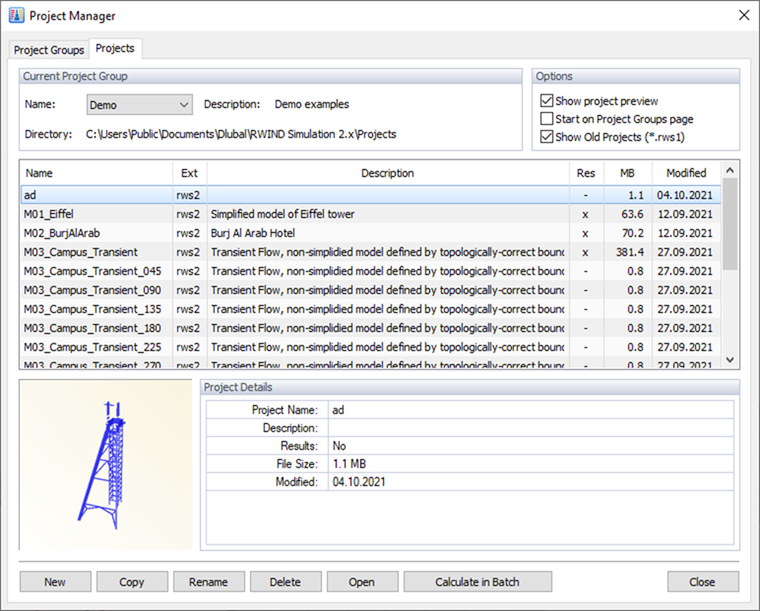
You can open any RFEM 6 or RSTAB 9 model to examine the results. Additionally, you can modify the calculation parameters, move or rotate the model, or insert the geometry of the terrain (in development, see Chapter Model Type).
In RWIND 3.03, the calculation of the flow in an empty tunnel is enabled . This allows the user to verify the calculation of the flow field with different turbulence parameters, maintaining the flow and turbulence parameters throughout the domain and to compare the results with other programs or experimental data.