The Design Support and Deflection tab is available in the edit dialog of a member or member set when the design properties of the object are activated (see image Activating design properties of a member). Here you can set the object-related parameters concerning the proof of local load introduction for cold-formed sections and the serviceability check of the steel design. The specifications for the deflection check of surfaces are described in chapter Surfaces.

Design Supports
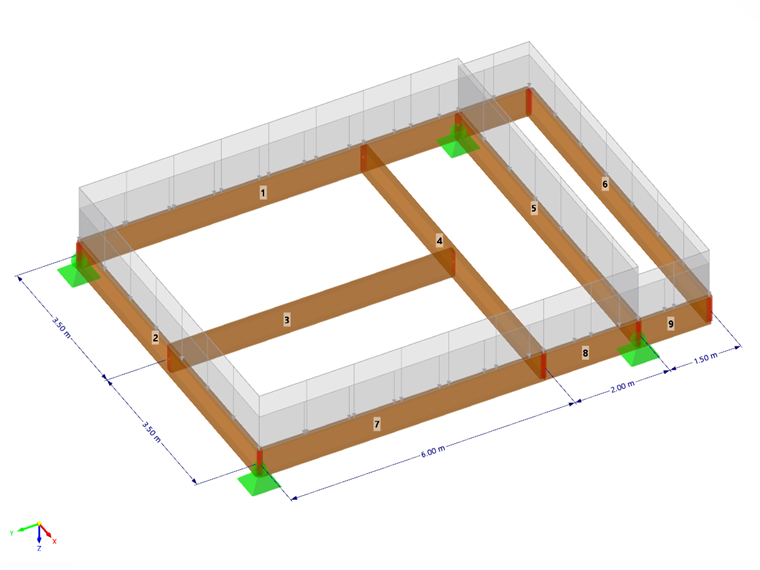
Design supports offer the possibility to segment the member or member set for the deflection check. You can assign these design supports not only to the member start and member end but also to the internal nodes. The table automatically sets both nodes of the type 'node on line/member' and standard nodes between members of a member set.
Select a design support from the list or create a new type with the button
 (see image New Design Support). With the button
 , you can change the selected type, and with the button
 , you can select an already assigned design support in the model.

For hot-rolled steel sections, both the 'General' and 'Steel' design support types are suitable. If you use a design support for a member with a steel material, the 'Steel' type is set as default. The specifications for 'support width' or 'support depth' are not relevant for the deflection check. If a design support for segmentation is not to be considered, deactivate the 'Active for Deflection Design' option.
If you want to carry out the proof of local load introduction (local crushing, web crippling, or local buckling in the web) for cold-formed sections according to EN 1993-1-3 [1] 6.1.7, AISI S100 [2] or CSA S136 [3], select the 'Steel' design support type.
Define the length of the stiff load introduction sS with the 'support width' w. The 'support depth' d, on the other hand, has no influence on the proof. The "support" does not represent a support in the true sense but rather serves to describe the geometric parameters for considering the load.
Specify the effect of the support using the 'support from edge' list. The parameters +z and -z refer to the orientation of the local z-axis of the member. If, for example, the load acts on the upper beam edge and the local z-axis points downwards, select the '-z/z' axis option. This assumes the load as a compression for the section. The '+z/z' axis option would represent a tension since the load then acts at the lower edge.
If there is an 'end support', check the corresponding control box and define the 'overhang length' c. With the control box deselected, the overhang length is considered infinitely large, so c > 1.5 hw.
Deflection Check Steel Design
In the right dialog section, after assigning the design supports, the resulting segments for the respective directions of the deflection check are listed. For each proof point in a segment, the displayed length Lc is used as the reference length for determining the limit value. If you want to change the automatically determined reference lengths, check the 'Custom Lengths' control box. The values are then editable. However, these custom lengths are not automatically adjusted if you subsequently change the member length in the model. The deflection limit values are set in the Serviceability Configurations for both sides supported beams and for cantilevers. Depending on the defined design supports, the corresponding limit is considered for each segment in the proof. A segment with design supports on both sides or without design supports is regarded as a beam, a segment with a design support on one side as a cantilever beam.
For each segment, you can consider a precamber (camber) in the proof, thus reducing the deflection value. The camber is set as a single-wave form for beam segments and as a linear progression for cantilever beam segments. Enter the precamber z or y as a positive value if it is opposite to the local member axis z or y. For the proof in the resulting direction, a conversion of the camber components into the resulting direction is carried out. For the proof according to EN 1993‑1‑1, the precamber is only considered for quasi-permanent design situations.
Determine the proof direction to specify which deflection values are to be checked in the proofs. The list offers the options of local axes y and z as well as the resulting deflection.
Influence the deflection values to be checked for the proof by selecting the displacement reference. If the undeformed system is chosen as the reference, the local deformation values uy and uz are directly taken from the results. With reference to the deformed member or member set ends, the deflection values for the proof are reduced by the deformation values of the starting and ending nodes to be able to check the local deflections.