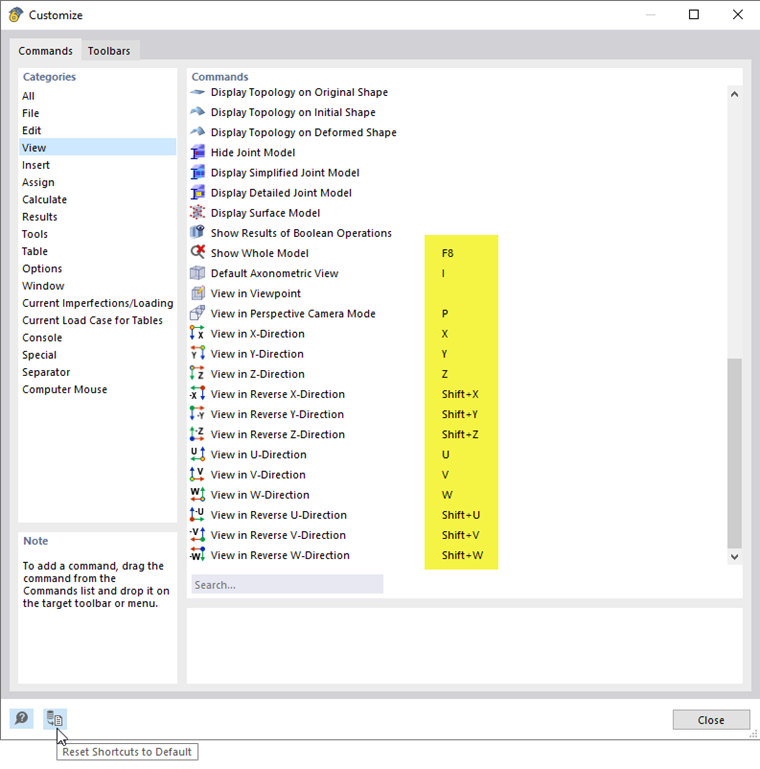
Keyboard functions (shortcuts) provide access to frequently used functions and commands. For example, you can print a graphic by using the keyboard function [Ctrl]+[P].
You can find a list of important keyboard functions by clicking the following link:
If no dialog box opens, the [Enter] key calls up the last function used. This makes it easier to set model or load objects in the work window again, for example.
It is also possible to assign user-defined shortcuts.