


There are two types of comments: comments in dialog boxes and tables, and comments in the work window.
Comment in Dialog Boxes and Tables
You can add a comment to any structural or load object. The comments are also included in the documentation in the printout report.
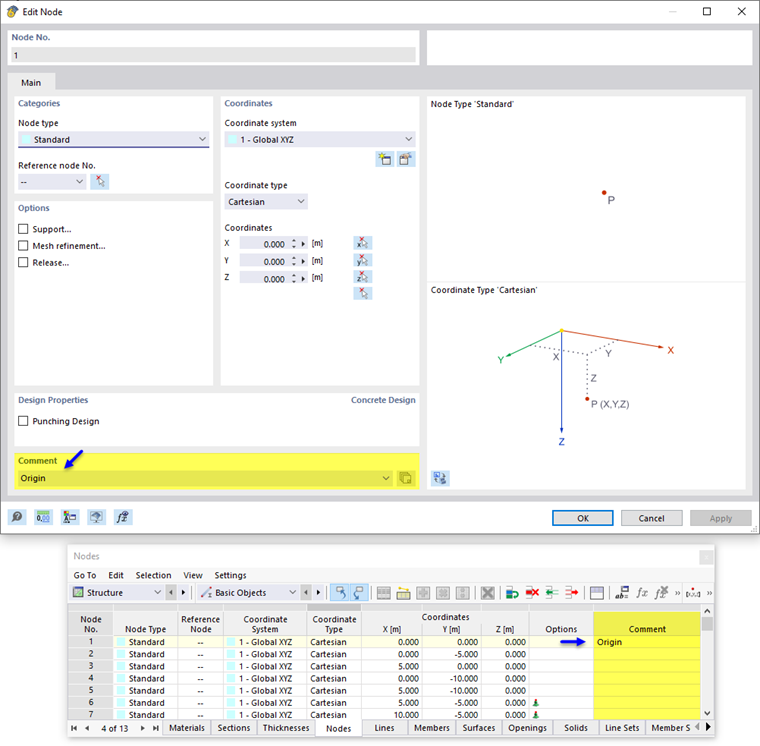
Furthermore, it is possible to filter for user-defined comments in the object selection.
In RFEM 5 and RSTAB 8, you can also create user-defined comments in the program options. They will then be available in the drop-down list of the respective comment.
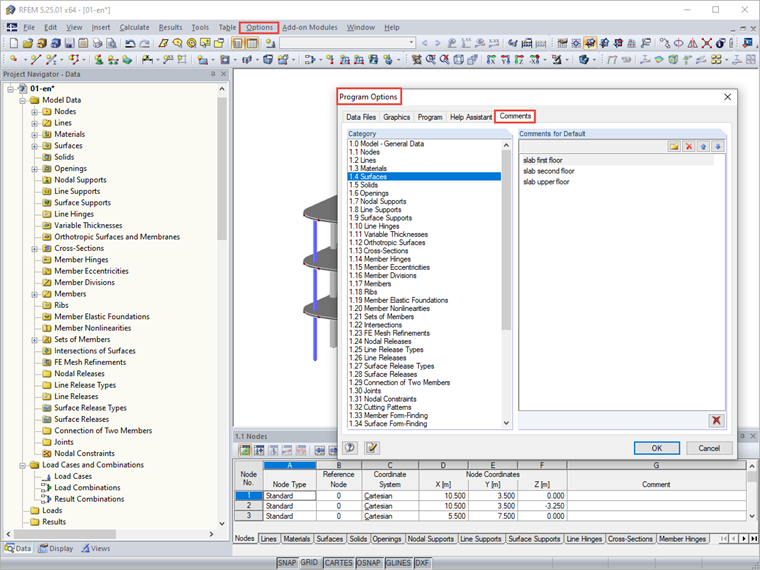
Comment in Work Window
In RFEM 6 and RSTAB 9, a comment in the work window is referred to as Note. A note can be arranged with reference to nodes, line centers, or member centers, or placed anywhere in the current work plane or global plane.