


Once you activate the Steel Joints add-on and select a design standard in the model base data (tab Standards II), an additional folders appears in the Navigator – Data:
- Steel Joints
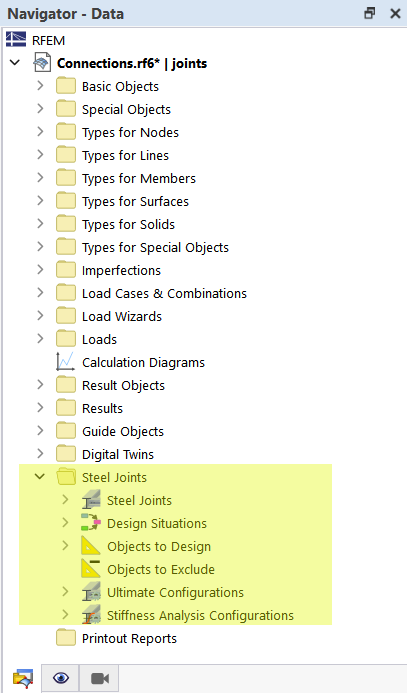
Under Steel Joints, you'll find the defined connection types that can be assigned to the joints to be designed.
The other elements are also accessible in the table. Select the “Steel Joints” category there. The input data is clearly organized across several worksheets.
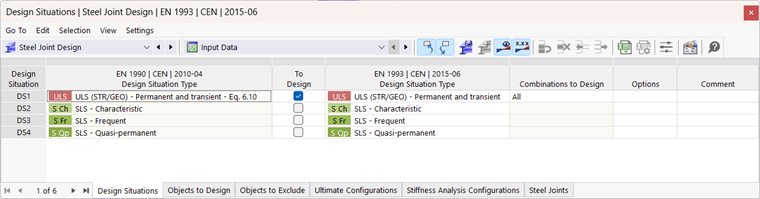
These tables and objects are also the basis of the documentation. The chapter Printout Report describes how to prepare the data in the printout report.