


The Contact component allows for the modeling of a pressure contact between two parallel plates or member plates in the model. The friction between the surfaces can also be taken into account.
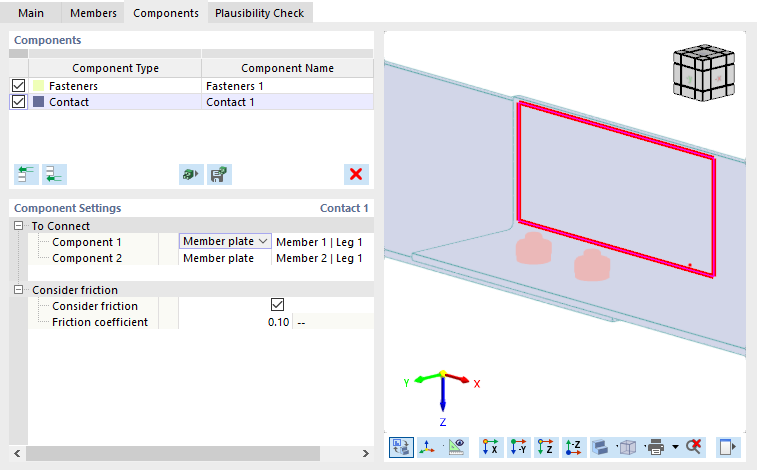
To Connect
The first category of the component settings manages the information about the connected components.
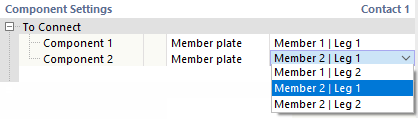
First, define the object type to be connected. Two options are available in the list:
- Plate: The contact exists between two (or more) single plates.
- Member plate: You can define the cross-section part of a member ("plate"), such as the flange.
Then, select the plate or member plate in the list of the last column.
Considering Friction
If you want to take into account the friction between the two components in the longitudinal direction, select the corresponding check box. Thus, shear forces are absorbed by friction. They depend on the existing compressive forces. Then, you can define the "friction coefficient". It describes the ratio between shear and compressive stresses between the components according to the following relation: τ|| = friction coefficient ⋅ σz