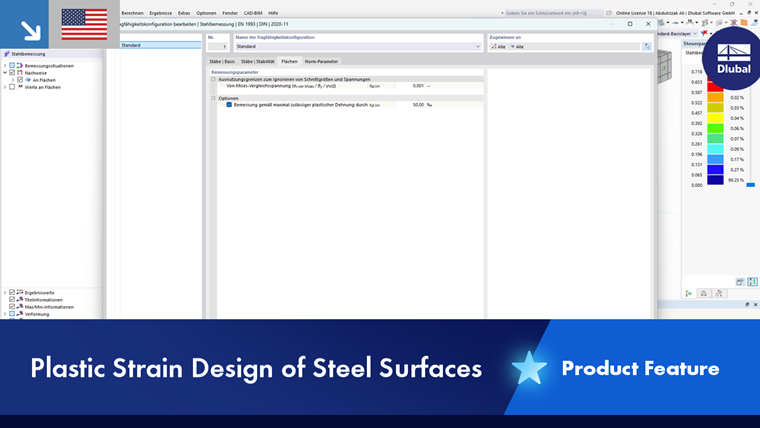
In the Surfaces tab of the “Ultimate Configuration” or “Strength Configuration” dialog box, you can specify basic settings for the design of surfaces.
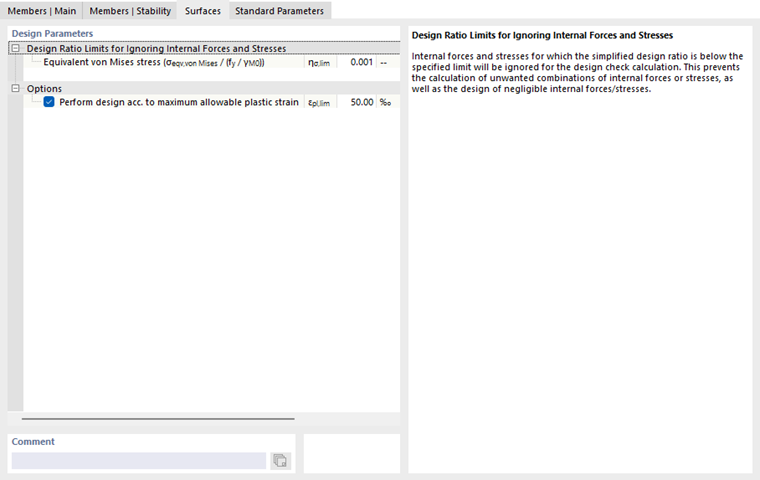
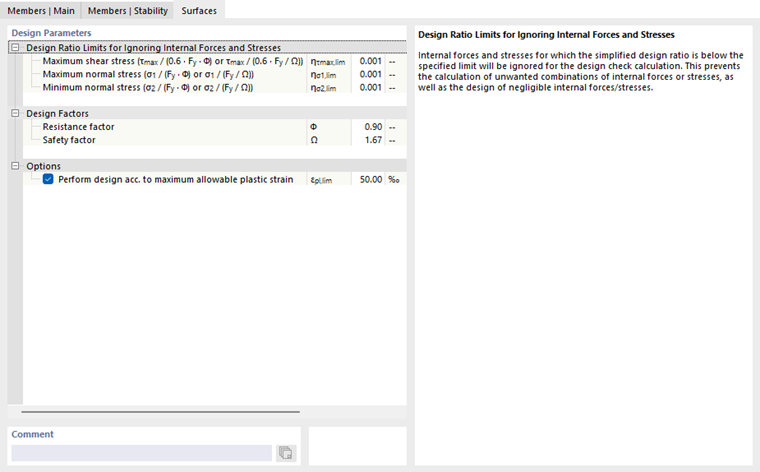
The “Design Parameters” are divided into categories that differ depending on the design standard.
Design Ratio Limits for Ignoring Internal Forces and Stresses
This category manages one or more limit values that apply to very small stresses. If the stress is below the defined ratio η, it is not taken into account in the design. The background for this option is described in closer detail in the chapter Members | Main.
Design Factors (for AISC)
Here, you can adjust the resistance factor Φ (for LRFD) and the safety factor Ω (for ASD), which are to be used for the design of the surfaces.
Importance Factor of Structure (for GB)
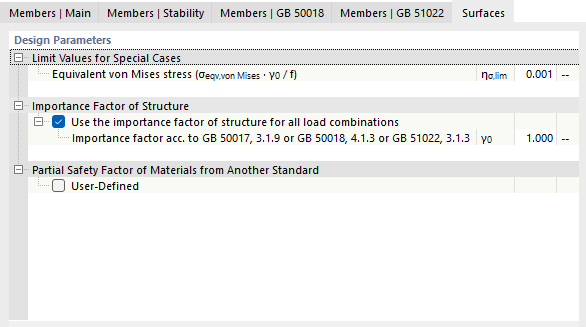
In this section, you can adjust the factor γ0 by which the design values of the internal forces are multiplied. This factor is regulated in GB 50017, 3.1.9, GB 50018, 4.1.3, and GB 51022, 3.1.3. For more information, refer to the standards GB 50068 and GB 50009.
Partial Safety Factor of Materials from Another Standard (for GB)
If necessary, you can adjust the partial safety factor for material strength (see the image Steel Design According to GB 50017): Select the “User-defined” check box and enter the factor γR.
Options
Optionally, you can perform design for surfaces based on plastic strain. This option is available for all design standards. For EN 1993, the design is based on the maximum allowable plastic strain, as defined for tension-stressed areas in EN 1993-1-5 [1] C.8(1).
- The recommended limit strain εpl,lim is 50 ‰.