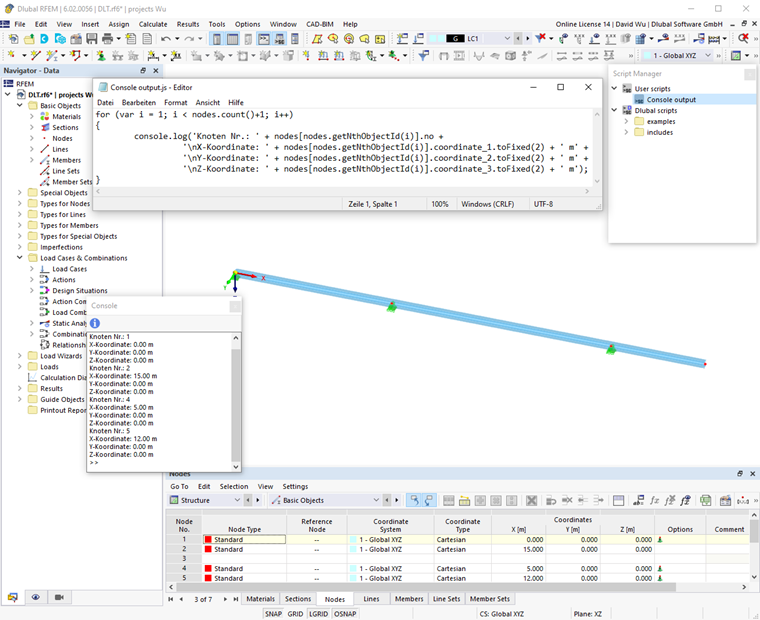
The Console is useful for entering and executing commands or checking the results. You can open the console by clicking the corresponding entry in the "View" menu or the
 button in the toolbar.
Executing Commands in Console
You can enter and execute commands directly in the console. Auto-complete helps you to quickly insert functions and object properties. It also helps to avoid input and syntax errors.
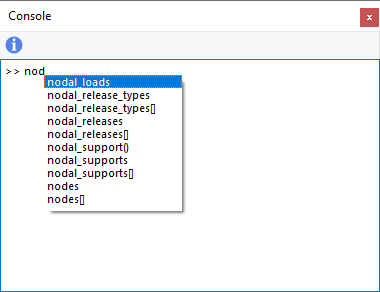
You can see the required command references in a dialog box using the
 button.
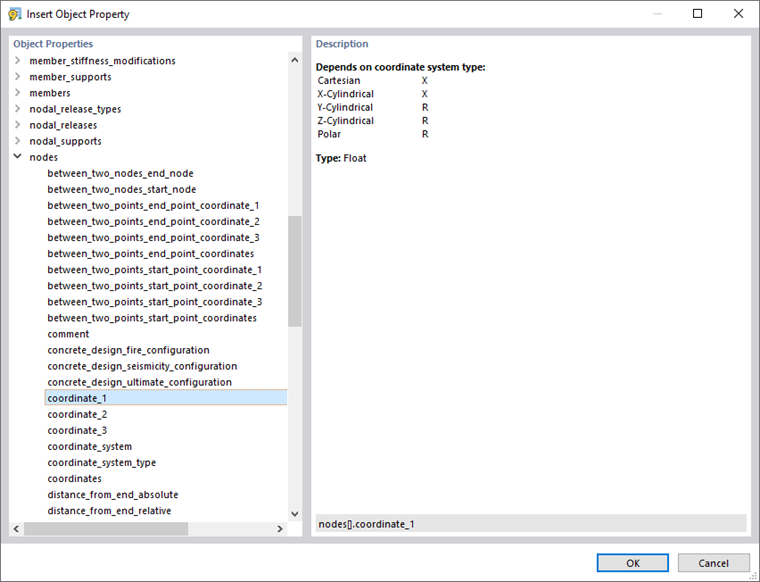
Click OK or double-click to transfer the object property to the console where you can add the parameters accordingly.
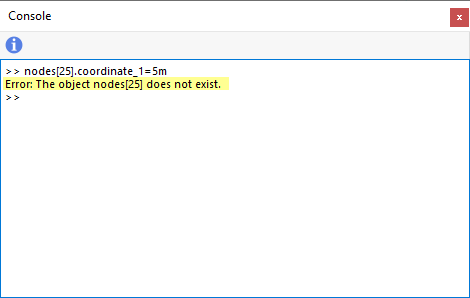
Press the Enter key to execute the command defined in the console. If there is an error, a corresponding message appears in the console.
Debugging – Checking Output Using Console
To check variables and arrays, you can output the script in the console by applying the console.log() method.