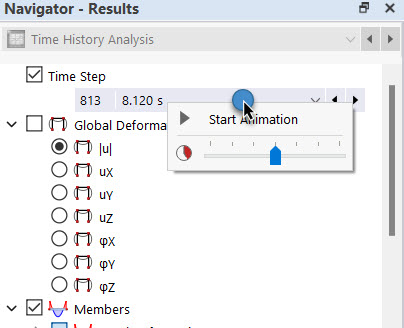
The calculation diagram monitor allows you to display the results of a node directly as a function over time without it being necessary to define one or more calculation diagrams beforehand. You can access this function using the
 button in the toolbar.
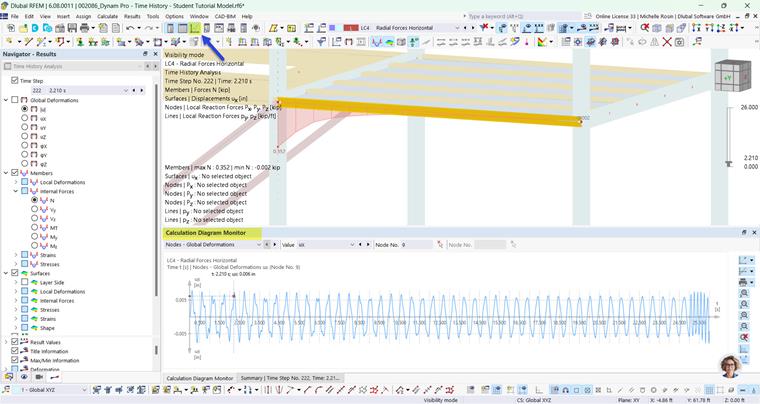
By default, the calculation diagram monitor is located below the table. You can place it in the right position by dragging its title bar with the mouse. Then, adjust the window size.
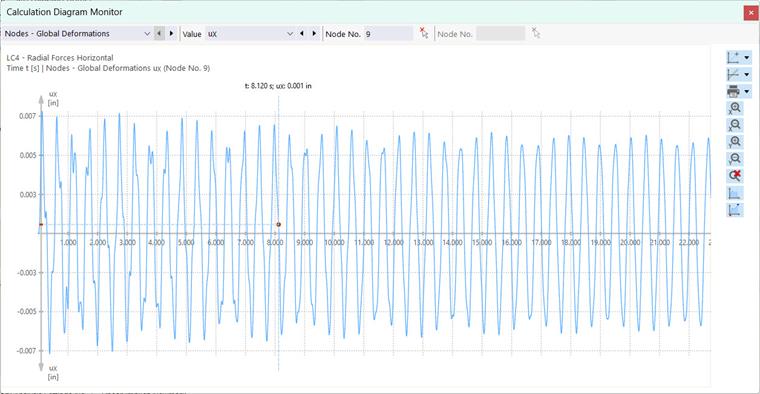
Select the result type in the first list on the left. You can then specify in the second list ("Value") which result values should be displayed. Enter the number of the relevant node or define it graphically in the model using the
 button.

You can adjust the display using the buttons on the right. The functions are described in the chapter Response Spectrum.