


A clipping plane is a section plane that can be positioned anywhere through a model. This allows, for example, the results within a solid body to be displayed.
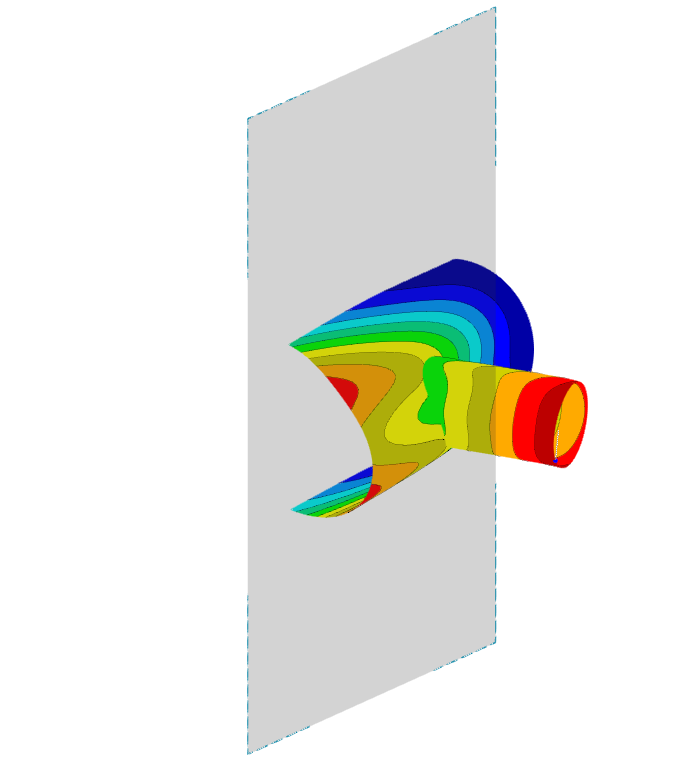
The clipping plane is enclosed by a frame, whereby the area in front of or behind this frame is hidden in the view. The active side of the clipping plane can be switched using the "Invert clipping plane" checkbox.
Application in the Program
In general, the clipping plane can be enabled and disabled in the navigator context menu. Several options are available in the program for defining a clipping plane:
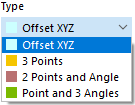
- Offset XZY: The plane is defined parallel to a global plane at a specified distance from the origin.
- 3 Points: The plane is defined by three points.
- 2 Points and Angle: The plane is defined by two points and a rotation angle.
- Point and Angle: The plane is defined by its center and three rotation angles of the global axes.