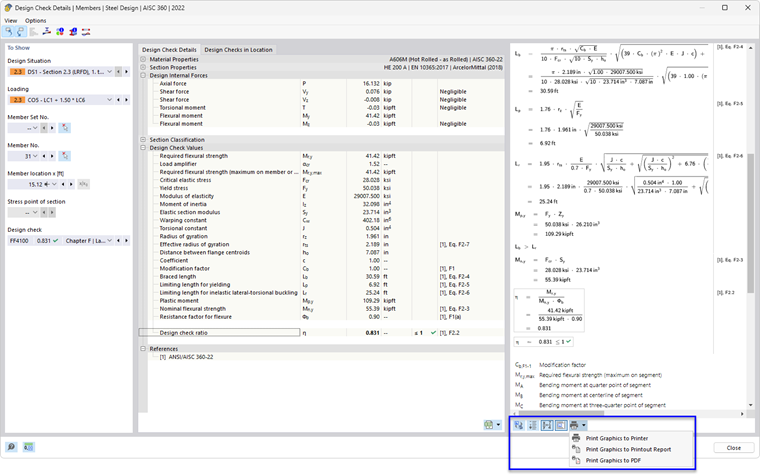
The Steel Design add-on is fully integrated in RFEM or RSTAB. Therefore, you can use all the options available in the main program to document the graphical results of the design ratios and design checks. The general procedure for preparing graphics for printing is described in the chapter Graphics of the RFEM 6 manual.
Graphics of Work Window
The chapter Graphics for Steel Design presents the various types of results that are available graphically for members and surfaces. You can print the current view directly using the print function or transfer it to the printout report.
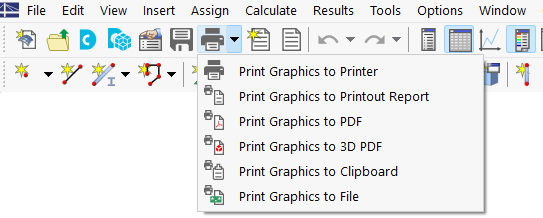
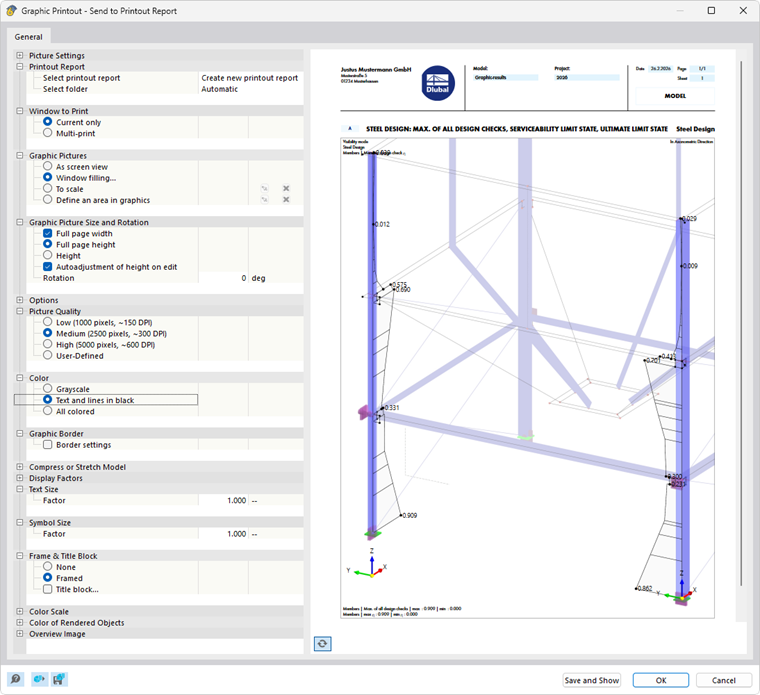
In the “Graphic Printout” dialog box, configure the print settings for the image as usual.
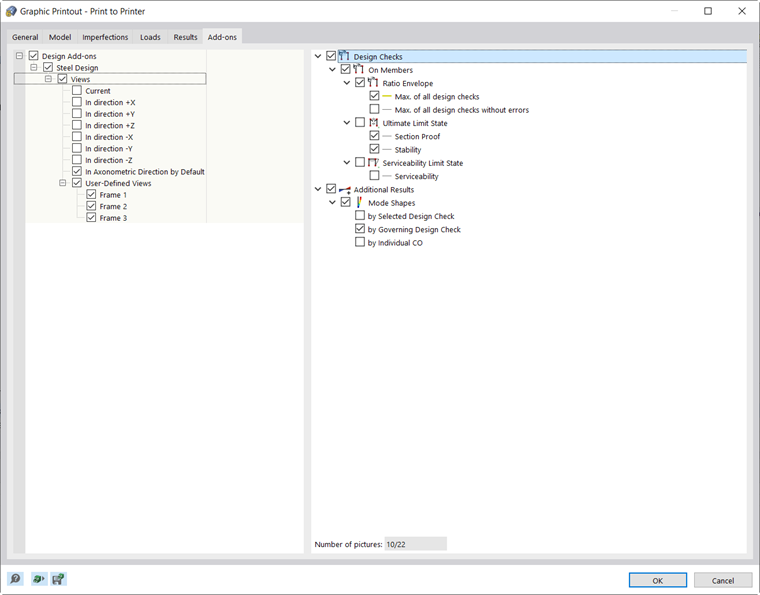
If you activate the ‘’‘multi-print’‘’ option in the “Window to Print” category, you can specify the settings for printing multiple windows or batch printing graphics in the “Add-ons” tab (see the chapter #/en/downloads-and-information/documents/online-manuals/rfem-6/002477 Using Multi-Print of the RFEM manual). The graphics are then sorted in the printout report with the steel design results.
Design Check Details and Result Diagrams
Print functions are also available in the dialog boxes for design check details and result diagrams. You can print the following graphics directly, save them as PDF files, or transfer them to the printout report:
- Formula view of Design Check Details
- Result Diagrams in Section
- Result Diagrams in Surface Point
- Result Diagrams on member or member set
- Temperature-Time Diagram