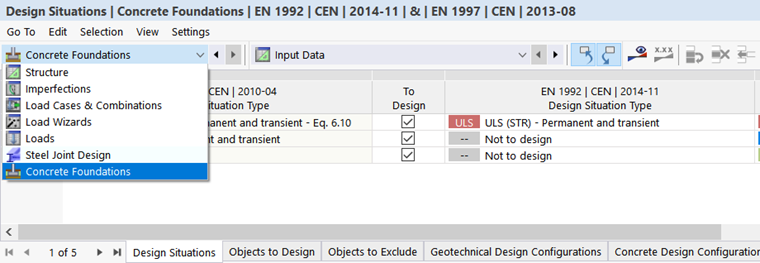
As soon as you activate the Concrete Foundations add-on and specify the Standard in the model's Base Data, two additional folders appear in the "Navigator – Data": Types for Foundations and Concrete Foundations.
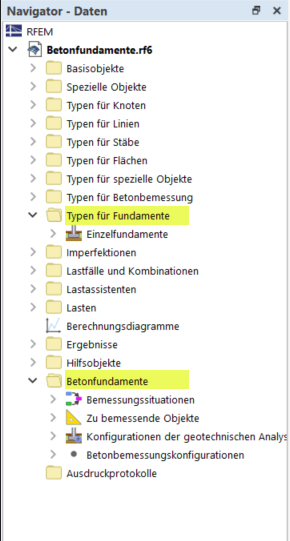
Types for Foundations
You can assign the elements of the Types for Foundations category to the objects you want to design. This allows you to specify important object-related specifications for the design. The types for foundations in the “Structure” category are managed as properties of the model objects in the table. These design types are described in Chapter Types for Foundations.
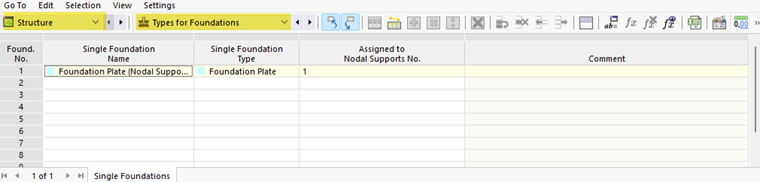
Concrete Foundations
The objects of the Concrete Foundations category manage the specifications for the design itself, such as design situations, geotechnical analysis configurations, and concrete design configurations. You can also access these objects in the table: Select "Concrete Foundations" from the list to display the design-specific input data in tables.