


In the Foundation Reinforcement navigator category, you can define the reinforcements on the designed foundations that you want to display graphically.
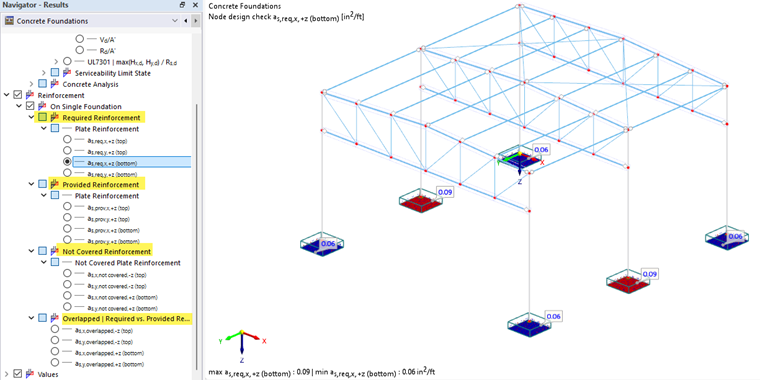
In the subcategories "Required Reinforcement" and "Provided Reinforcement", you can select which reinforcement areas should be displayed in the model. You can not only check these reinforcements separately, but also "Overlapped" (combined) (see the image Overlapped Reinforcement). Furthermore, it is possible to display the "Not Covered Reinforcement".
Overlapped | Required vs. Provided Reinforcement
To display the required and provided reinforcement at the same time, select one of the four options in the Overlapped | Required vs. Provided Reinforcement subcategory.
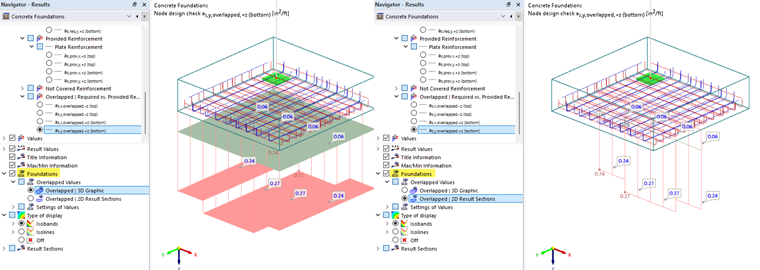
You can display the reinforcements as "3D graphics" or "2D result sections". The corresponding setting option can be found in the lower navigator section under the Foundations category.