


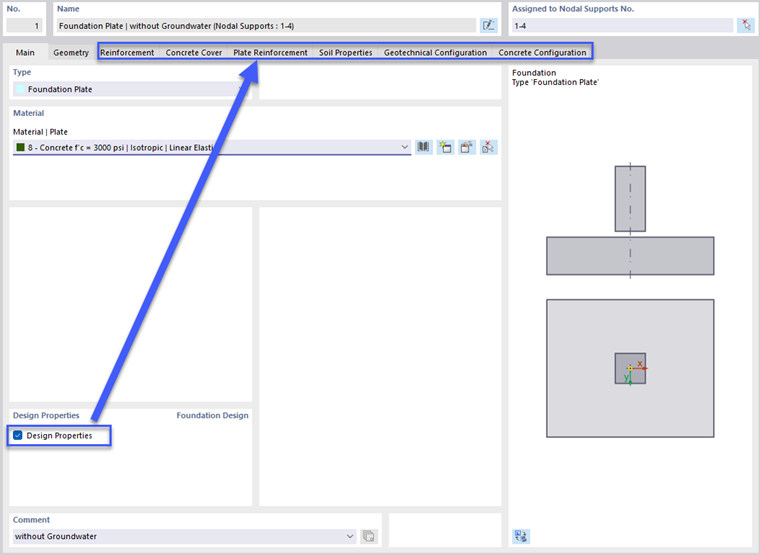
In the Main tab, you can define the foundation type and the material of the plate.
Type
In the "Type" section, select the desired block foundation type (with rough or smooth bucket sides) from the list.
Material
In the “Material” section, assign a material to the plate. Use the
 , button to open the material library and select a concrete type.
Design Properties
To activate the block foundation design, select the Design Properties option.