


After the calculation, the results are sorted by various criteria and displayed in tables. They are also shown in the graphic on the model of the work window. The "Navigator – Results" is adapted to Concrete Foundations, so you can control the graphical display for the concrete and geotechnical design checks, as well as for the foundation reinforcement as needed.
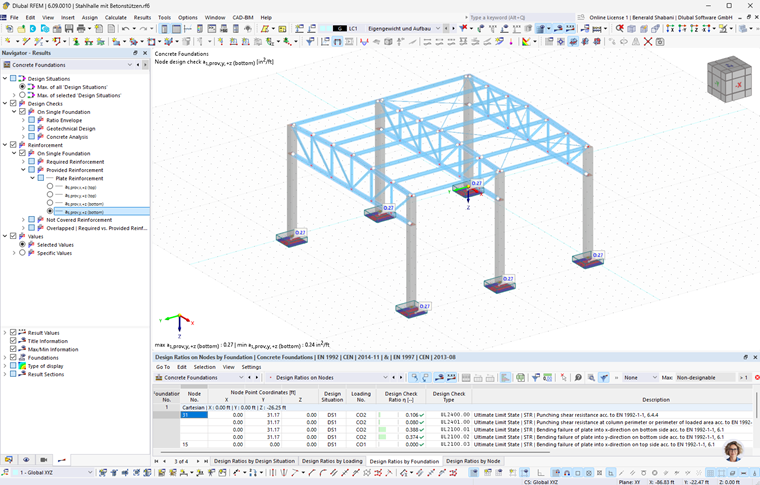
You can also display the design check details with the intermediate values and design check formulas.
The following subchapters describe various options you have for displaying and evaluating the design results. The chapter Documentation describes how to prepare the results for the printout.
Objects with No Results
If no results of a member or a surface are displayed, it may be caused by the following:
- The object is not selected for design in the Objects to Design table.
- Results are hidden due to filter settings.
Check the visibilities and the filter settings for the graphical results in the control panel.