If you select the Multi-layered | Borehole definition type, all layers—including the earth covering—are determined directly from the soil boring log.
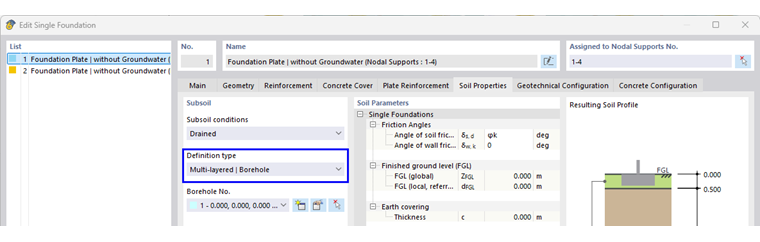
- Borehole
The soil layers are entered via the borehole. The layer material, thickness, and all relevant geotechnical parameters are entered. The earth covering and ground water are defined directly via the borehole, so no manual entry is necessary in this case.
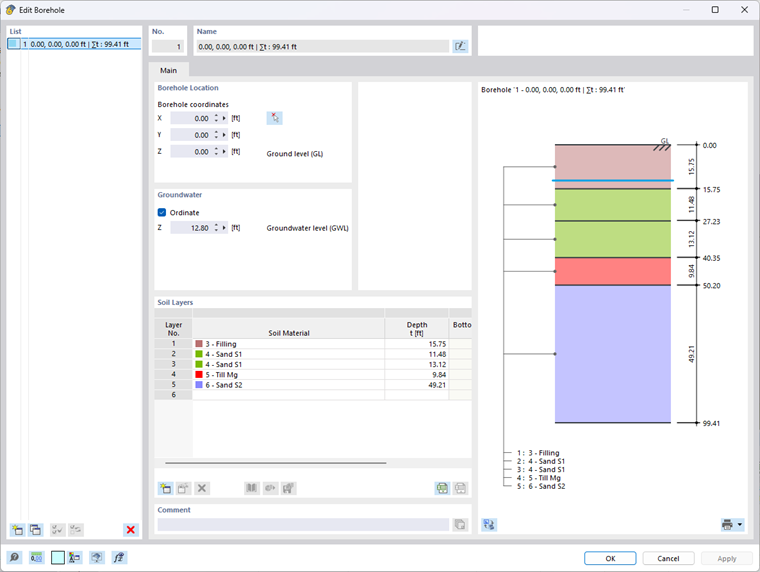
- Soil layers
The soil layers are defined in the soil boring log by selecting the material and the corresponding layer thickness. The input is made in tables, where each layer can be customized individually.
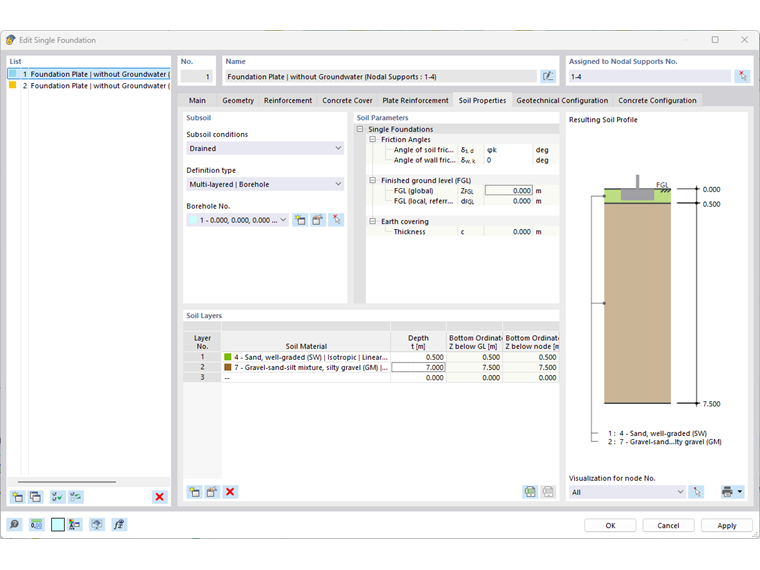
- Display of the soil profile
Once the soil boring log is complete, the soil profile is displayed visually and all layers, including the earth covering, are modeled according to their defined parameters.
The graphic shows all soil layers and the groundwater level. This information is automatically updated in the Resulting Soil Profile and depends on the borehole.
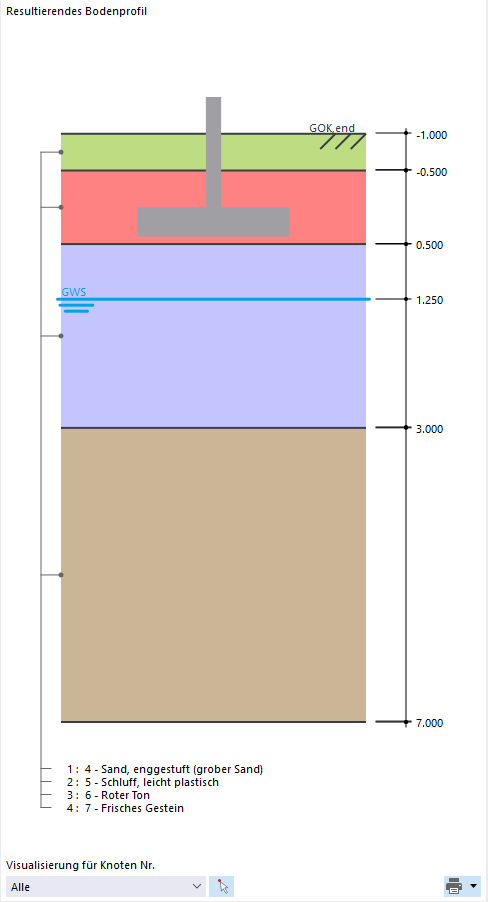
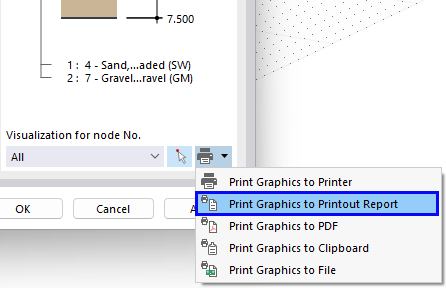
This visualization can also be transferred directly to the printout report.