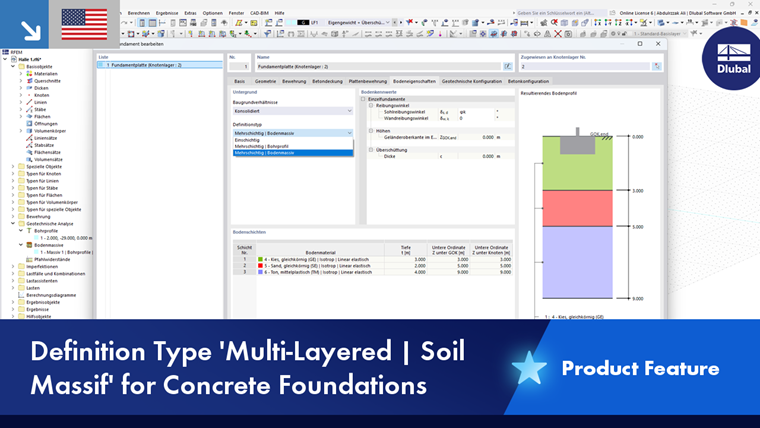
If you select the Multi-layered | Soil massif definition type, the existing soil layers are automatically determined from an existing soil massif in the model.
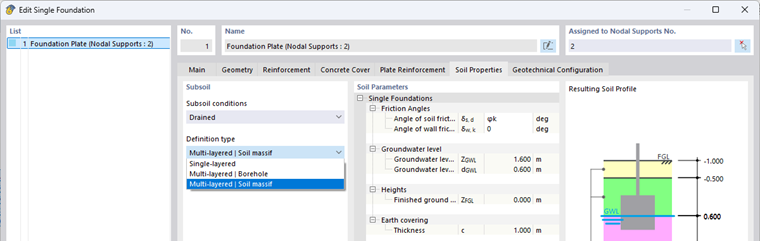
- Soil Massif
The soil layers are derived from the "Soil" type of a solid defined in RFEM.
A soil massif can be defined in two ways:
- Using any number of boreholes from which the layer geometry is interpolated, or
- Using soil solids that are created directly in the model.
For each foundation, RFEM automatically determines the locally existing layers from the soil massif based on the respective foundation position. This means that a single soil massif can be used for several foundations without requiring a separate borehole for each foundation.
- Use in combination with geotechnical analysis
The soil massif is defined using the Geotechnical Analysis add-on and contains all relevant material and layer information.
This data is automatically used for foundation design checks in the “Concrete Foundations” add-on if the "Soil massif" definition type is available.
- Calculation optimization
To reduce calculation time, it is possible to exclude the soil massif solids from the general calculation if required. To do this, select the Deactivate for calculation option in the Edit Solids dialog box.