81x
005797
2024-10-18

Ground Water

Info

If the self-weight of the ground water is activated in a load case (see the chapter Design Situations) and the depth of the ground water level is defined (see the chapter Soil Properties), the corresponding load is generated automatically. You do not need to define any additional foundation loads for this.

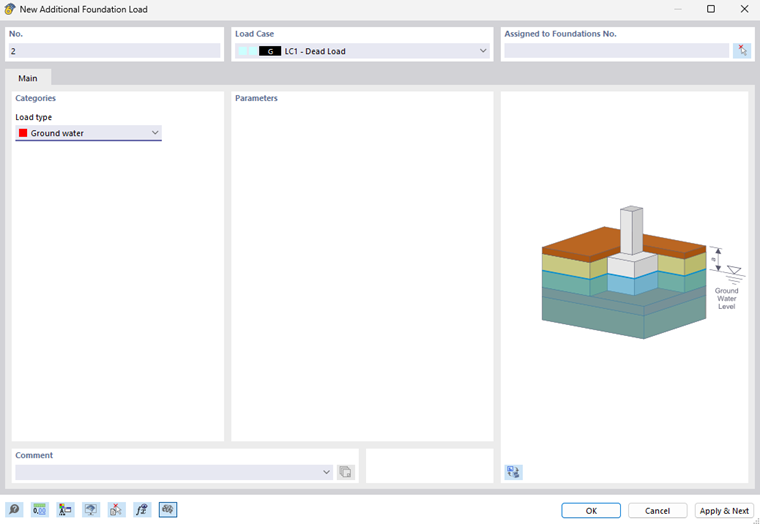
If the self-weight of ground water is deactivated and ground water is to be included in the calculation, it is necessary to create an additional foundation load with this load type.
Info

For the current status (November 2024) of the add-on, the following applies: The ground water only affects the calculation if the ground water level is above the foundation base.

Important

In order to calculate the stress caused by ground water, it is necessary to specify the depth of the ground water level. This is not done in this dialog box, but in the Soil Properties tab of the “Single Foundation” dialog box.

The assigned load case determines whether the ground water is considered as permanent or variable.