


If you select the Single-layered definition type, only a single soil layer will be taken into account.
- Soil layer under foundation slab
Select the soil material under the foundation plate. Use the
 button to access the soil material library.
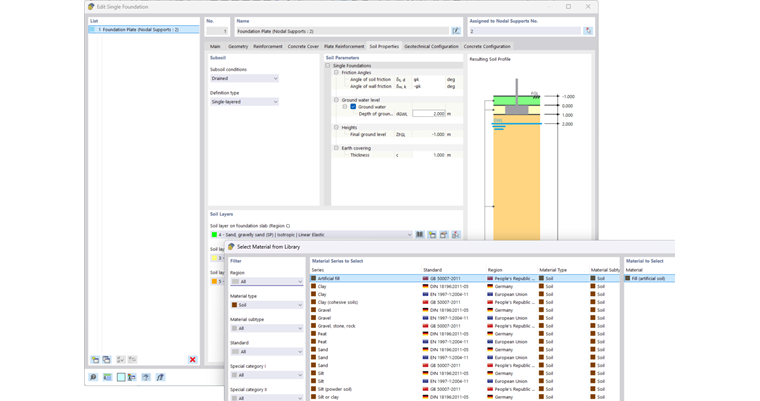
- Soil layer next to foundation slab
Here, you can define the soil covering the foundation plate. This layer can also be left blank.
- Soil layer on foundation slab
If there is earth covering on the foundation plate, you can specify the corresponding soil material for the earth covering here.
- Thickness of earth covering
If there is an earth covering, enter its thickness c.
- Ground water
If you want to consider the effects of ground water, you need to specify the depth of groundwater level dGWL.
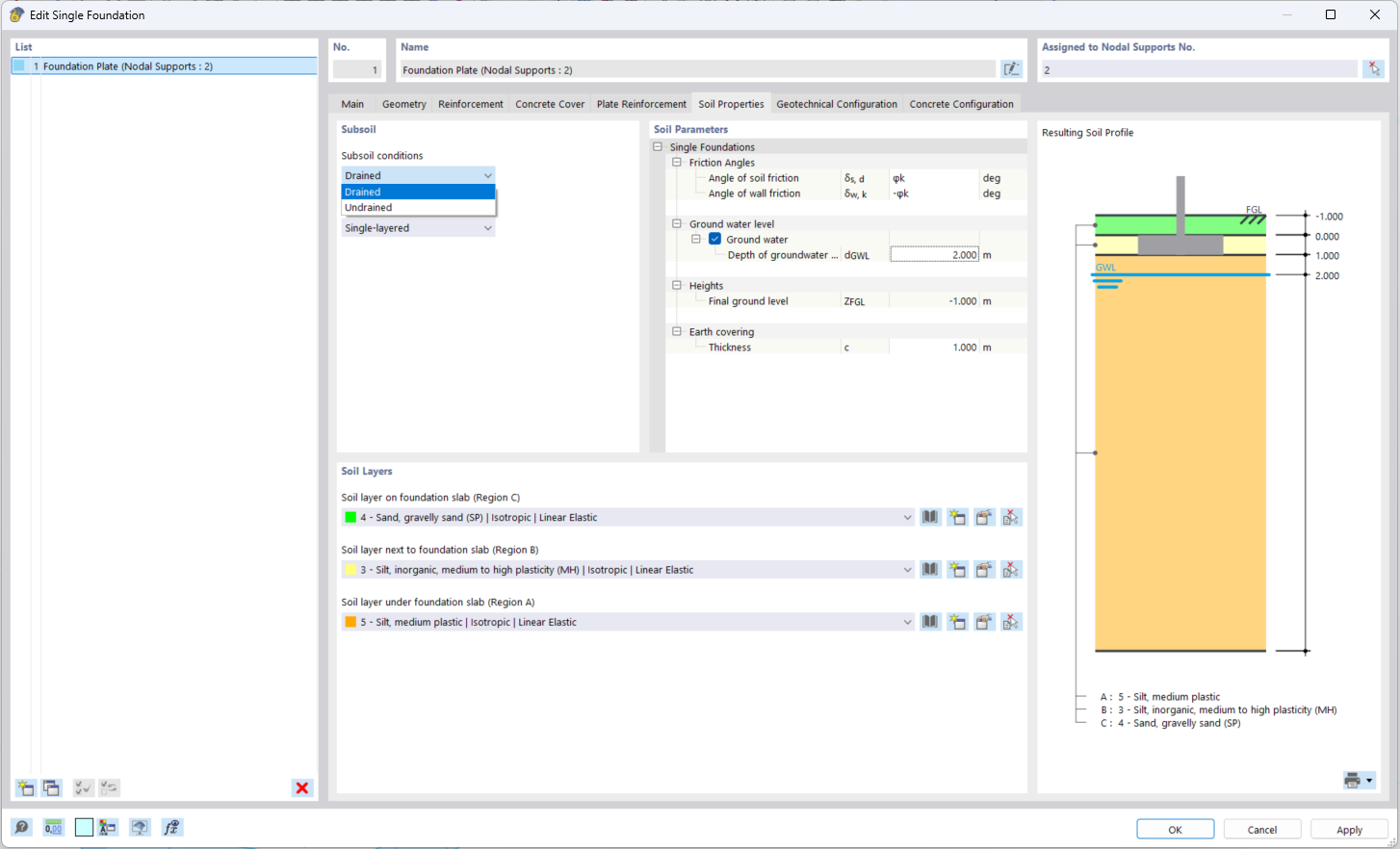
The soil profile is displayed graphically in the Resulting Soil Profile section. The graphic contains the layer material and layer thickness as well as the groundwater level.
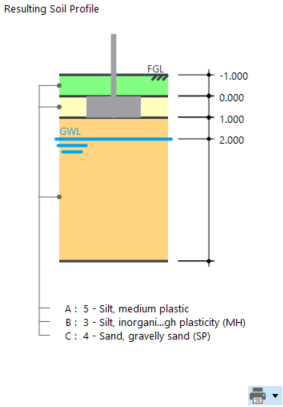
To print this image in the printout report, click the
 button, which opens a list of print options. Click Into printout report.