


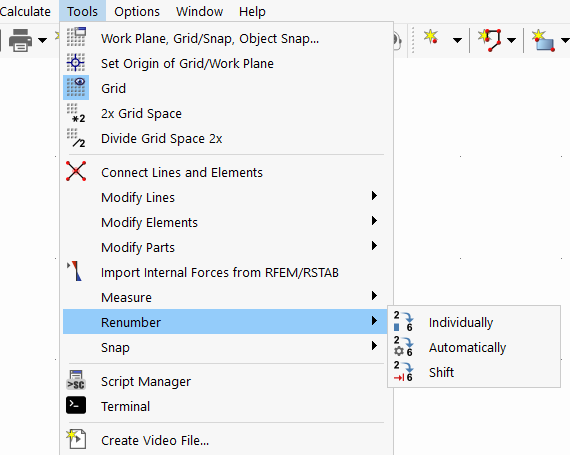
Regular, structured numbering facilitates both modeling and evaluation. However, the order can be lost during graphical input and modifications. In order to adjust the numerical sequence subsequently, you can use various options on the Tools menu to renumber the objects.
Program Functions
- Work Planes and Grids
- Selection Options
- Visibilities
-
Modeling Tools
- Move and Copy
- Rotate
- Mirror
- Scale
- Middle Elements Between Parallel Lines
- Automatically Create Elements
- Create Line Elements
- Connect Lines and Elements
- Auto Split Elements
- Automatic Regeneration During Element Modification
- Set Centerlines
- Set Center Lines | Angle Axis
- Extend or Trim Lines/Elements
- Angle Corner
- Round Corner
- Parallel Lines/Elements
- Lines / Members Divide
- Explode Polyline into Lines
- Join Lines
- Perpendicular from Point to Line
- Divide Part with Intersecting Lines
- Delete Parts Under Elements
- Generate Parts Below Elements
- Merge Parts
- Measure
Renumber
Subchapters
Parent Chapter