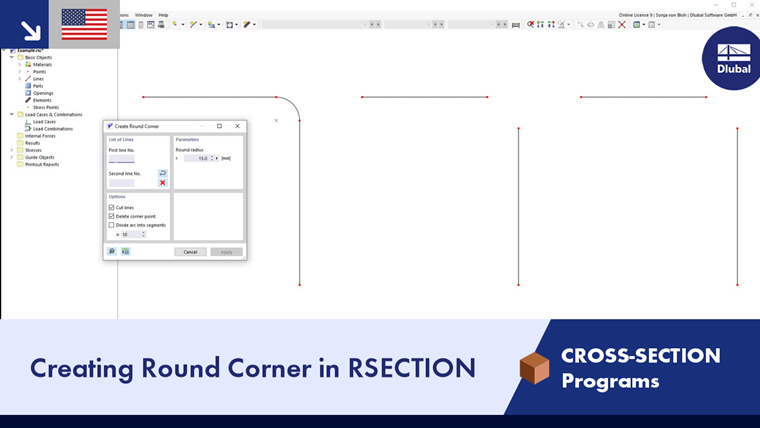
The Fillet function creates a new arc at the intersection of two lines and thus rounds off the corner area. To do this, open the Fillet function in the Tools menu. Alternatively, use the
 button in the CAD toolbar. You do not need to select the lines beforehand.
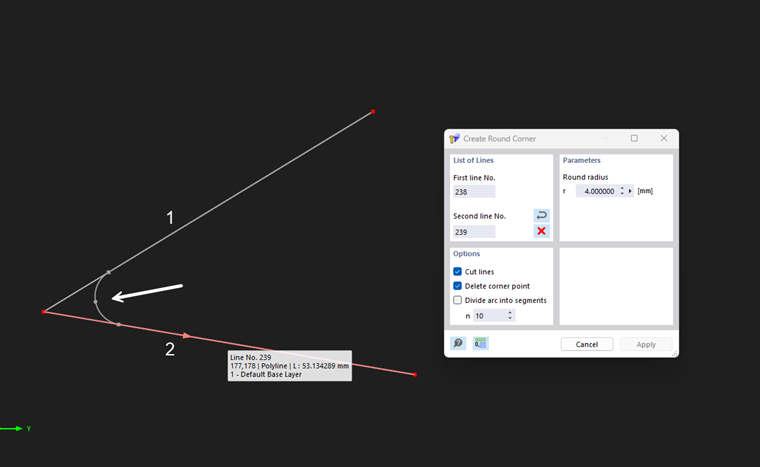
Parameters
Specify the fillet radius r of the arc to be created between the lines.
Options
If the 'Split lines' checkbox is active, the overhangs of the original lines in the corner area are deleted after the fillet has been created.
The 'Delete corner point' option also removes the point at the original intersection.
With the 'Divide arc into segments' checkbox, you can subdivide the arc into n straight segments.
Line list
You can select the lines in the work window by mouse click or enter the line numbers directly in the input fields. When entering the line numbers directly, you can use the
 button to swap the first line number with the second, and the
 button to delete the line numbers.