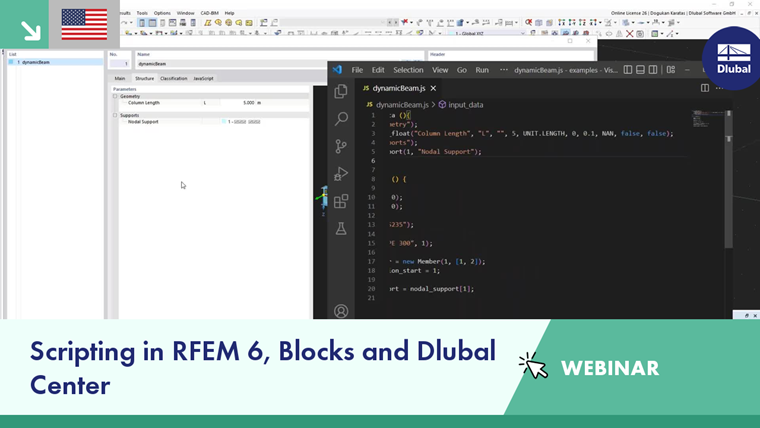
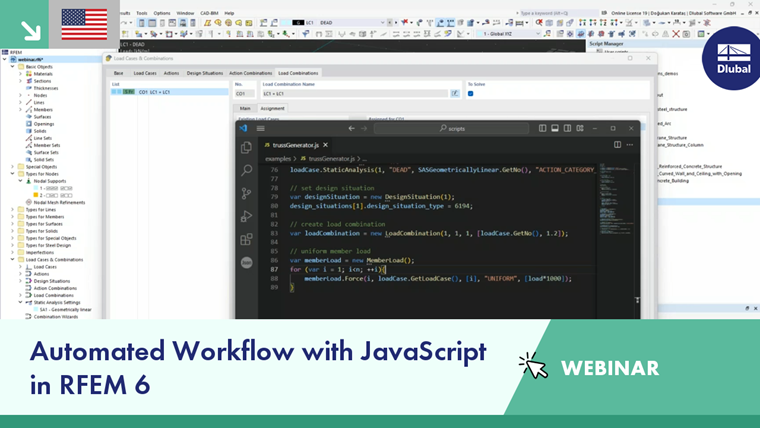
RFEM contains a powerful scripting language that allows you to create, modify, or delete topologies, load cases, and loads. However, creating, opening, or closing files, starting calculations, reading results, or communicating with other applications is not possible. For this, we recommend our webservices.
The scripting language used for creating scripts is JavaScript. The following extensions to JavaScript are included:
Units
Inputs are interpreted in SI base units. However, you can also directly use units supported in RFEM by appending the unit after the value, for example, nodes[1].coordinate_1=5m.
Mathematical Functions and Constants
Mathematical functions and constants are globally available. For example, instead of Math.sin(Math.PI), you can use sin(PI).
Powers
You can also define powers using the ^ operator. For example, 7^3 gives the same result as pow(7,3).
Sylvester Library
Vector and matrix operations from the Sylvester Library are available for programming.
run() Function
The run() function allows you to execute another script.
include() Function
The include() function allows you to access the functions of another script.
Time Limit for Formula Evaluation
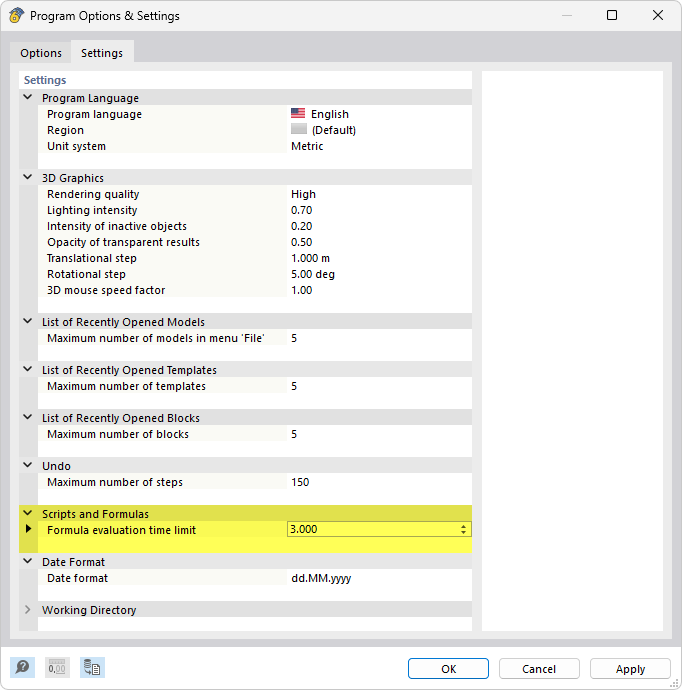
Executing user-specific formulas and scripts may take some time. Therefore, a maximum evaluation time of three seconds is set in the program to prevent the process from "freezing". If you want to adjust this time limit, select the Program Options in the Options menu. In the 'Settings and Options' dialog box, switch to the Settings tab.