


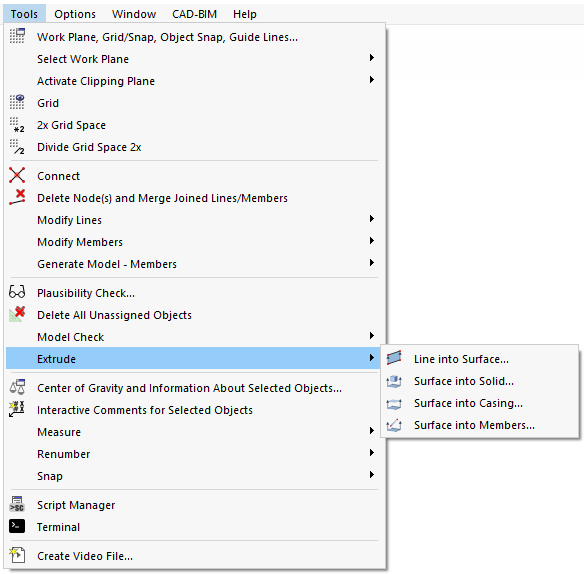
Surfaces can be created quickly by extruding lines. This function is available in the Tools → Extrude menu and in the line shortcut menu.
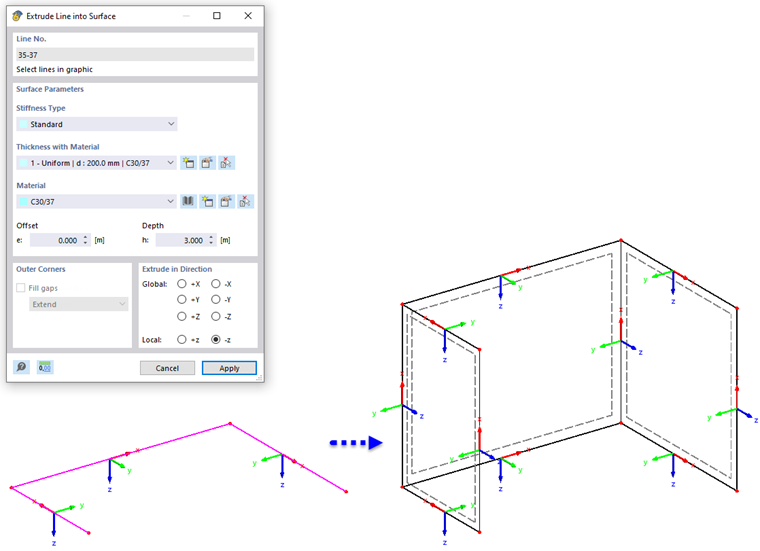
If a line has been selected, it is preset in the "Line No." section. If necessary, you can add additional lines by clicking on them in the work window. However, all the lines of the list must lie in one plane.
The stiffness type, thickness, and material of the new surface need to be specified as "Surface Parameters". With an offset, the surface is created at a lateral distance that relates to the direction of extrusion. The side can be controlled by a positive or negative sign. Enter the height to define the dimensions of the new surface.
When several lines are extruded with an offset, there are various options for adjusting the copied lines in the "Outer Corners" section. This allows you to fill the resulting gaps.
Specify the global or local direction of extrusion in the "Extrude in Direction" section. The local line axes are shown on the model for orientation purposes.