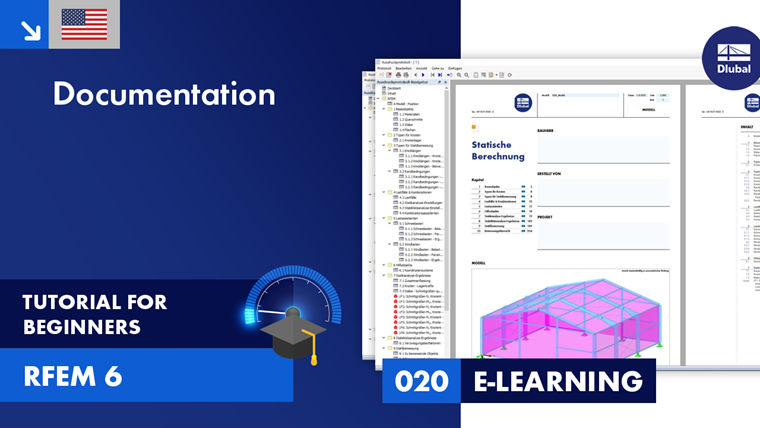
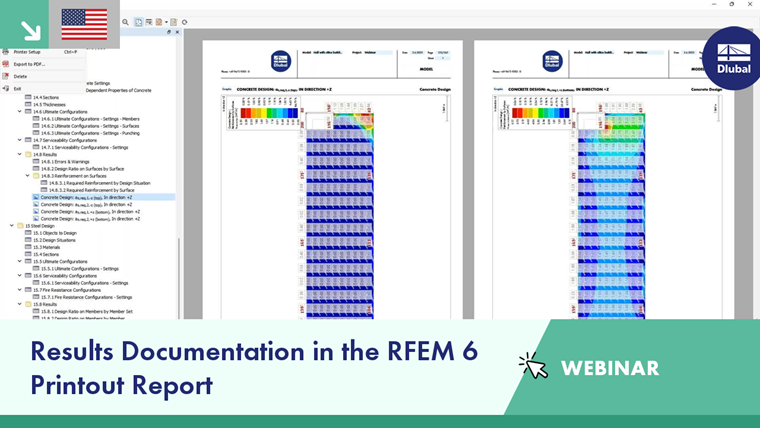
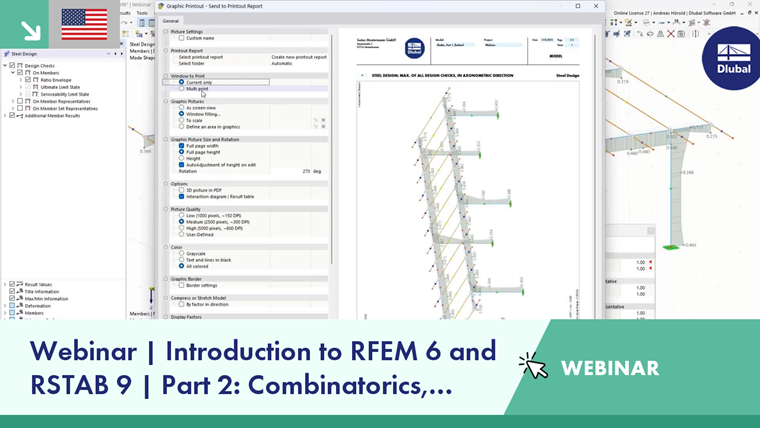
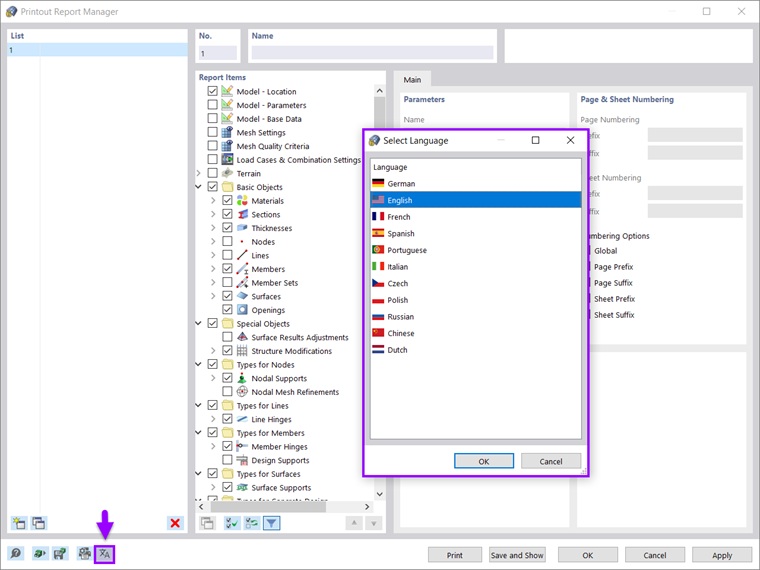
Before the input data and results can be sent to the printer, they must be prepared for output. This is done in the printout report. In this print preview, you specify the data you need for the documentation. You can also integrate graphics, explanations, scans, and PDFs into the printout report.
For each model, printout reports with different contents are possible. This allows you, for example, to compile a different report for the checking engineer than for the structural engineer.
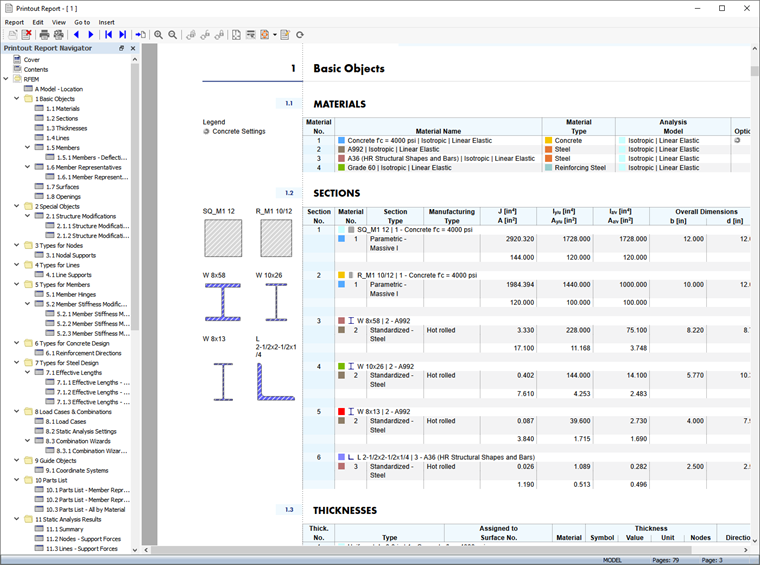
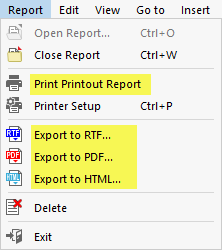
The printout report menu Report contains various functions that allow you to print or export the document.