


If you want to check the geometry when entering model data, you do not need to set any Dimensions. The Tools menu offers various functions for measuring distances and angles.
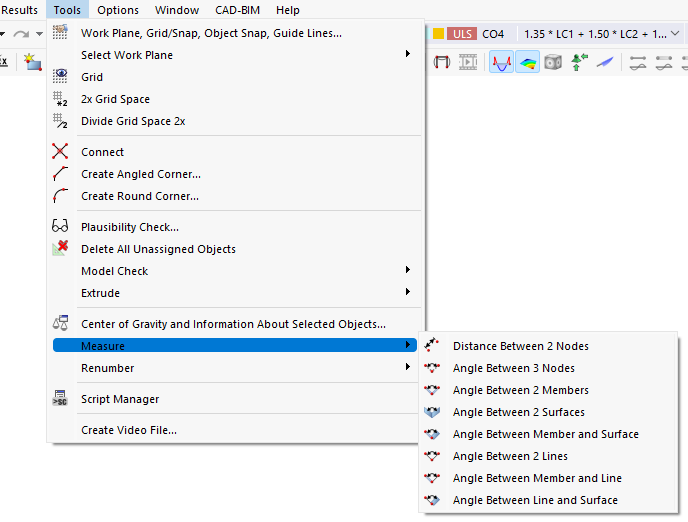
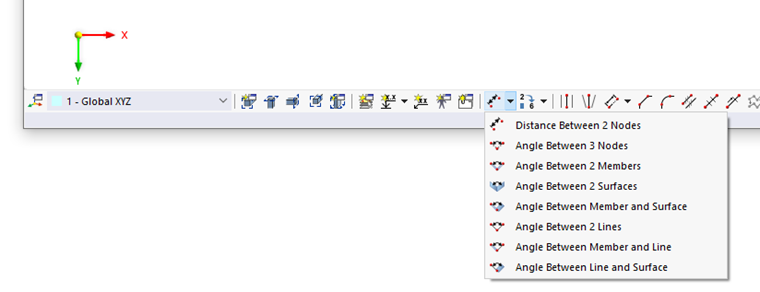
Alternatively, you can use the
 list button in the CAD toolbar.
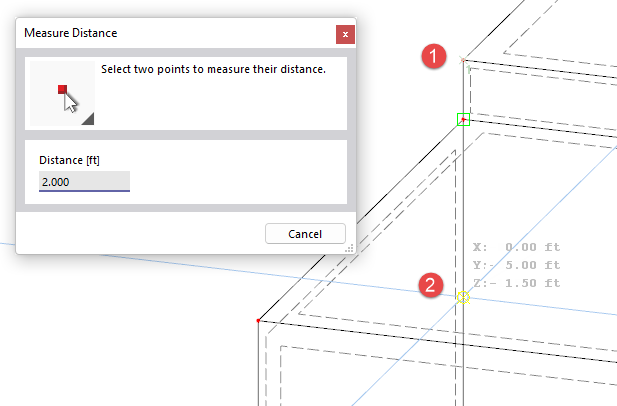
Click the objects for measurement one after the other in the work window. A dialog box provides information how to proceed. The "Distance" or "Angle" of the point available for the current cursor position is also shown in this dialog box.
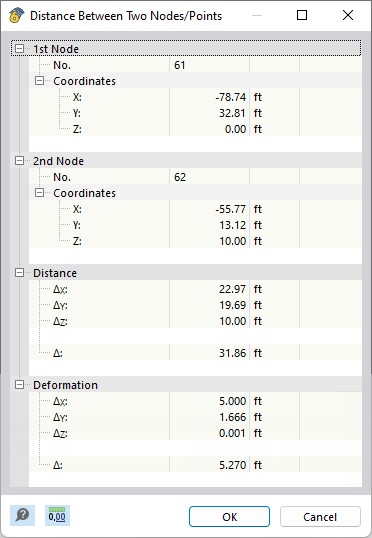
When you have defined the last object, a dialog box appears showing the coordinates of reference points as well as distance or angle information.
Measuring Function in Shortcut Menu
Some dialog boxes also feature a measuring function that allows you to graphically determine the distance for an input parameter. To use this feature, click the
 button next to the text box. Then, select the Measure entry from the shortcut menu.
