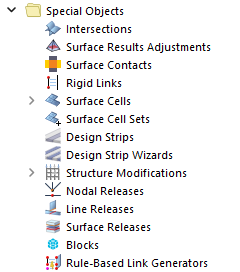
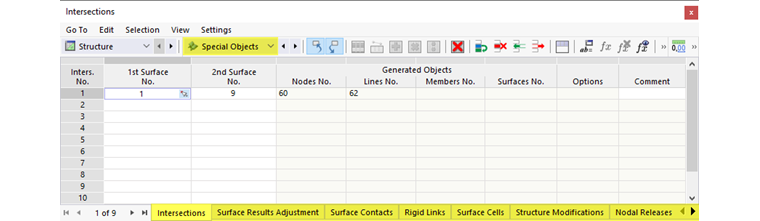
The Special Objects category manages special properties of the model, such as intersections, rigid connections, result sections, and releases. The special objects are listed as subcategories in the navigator. In the table, the data are arranged in corresponding tabs.
Program Functions
- Work Planes and Grids
- Selection Options
-
Modeling Tools
- Move and Copy
- Rotate
- Mirror
- Scale
- Chamfer
- Project
- Extend or Trim Line/Member
- Connect Lines / Members
- Connect Skew Lines/Members
- Parallel Lines/Members
- Divide Line/Member
- Divide Surface
- Merge Lines / Members
- Join Lines/Members
- Set Center Line
- Create Perpendicular Line from Point to Line
- Chamfers and Fillets
- Generate Surfaces from Member
- Generate Surfaces from Cells
- Generate Bracing in Cells
- Generate Solids from Member
- Extrude Line
- Extrude Surface
- Measuring