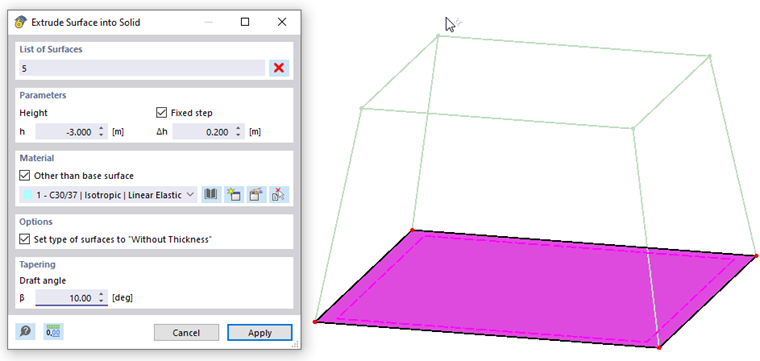
Spatial objects can be created quickly by extruding planar surfaces. These functions are available in the Tools → Extrude menu and in the surface shortcut menu.
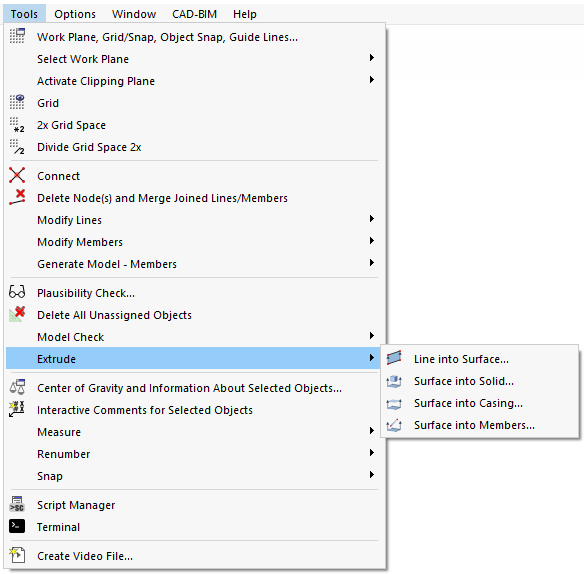
The three options control which objects are created by moving the surface parallel in space:
- Solid: A 3D solid is created.
- Casing: Only surfaces that encase the spatial object are generated.
- Members: Members are created at the connection lines between the nodes and their copies. Optionally, the base surface is copied as well.
Depending on the settings, a new dialog box appears in which you specify the parameters for extruding the surface. You can enter the height of the spatial object or define it graphically with the mouse.