


The Merge Lines/Members function combines two adjacent lines or members into a single object. The shared node is removed. Therefore, this function is only suitable for lines and members that lie on a straight line. If the lines or members are bent or curved, the original objects are lost.
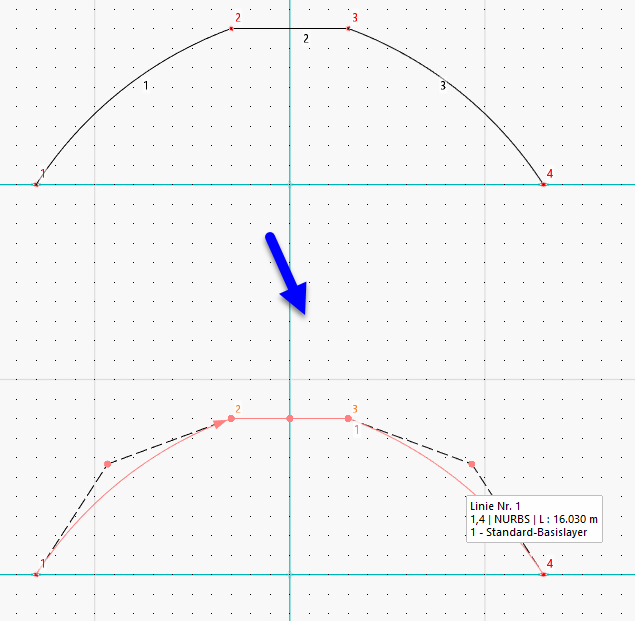
The Merge Lines and Merge Members function in the Tools → Modify Lines or Tools → Modify Members menu allow you to merge lines or members that do not follow a straight line. For example, you can thus join multiple polylines or arcs into a single line. The program generates a polyline from the distribution of the original objects or—in the case of a complex distribution—a line of the NURBS type. The lines or members do not have to lie in the same plane.
You can also access these functions using the
 or
or
 buttons in the CAD toolbar (see the image Modeling Tools).
Procedure
Option 1
- Select the lines or members.
- Access the function.
Option 2
- Access the function.
- Select the lines or members.
- Press the Enter or Return key (↵).