


Sometimes it is necessary to perform specific analyses for compact member cross-sections of a frame & truss structure, for example, to analyze foundations or bored piles in a solid model. To do this, you can model the member cross-section as a 3D solid using surfaces, but this is a time-consuming process. The Generate Solid from Member feature simplifies the task of modeling a 1D member element using 3D solid elements.
Right-click the member to open its shortcut menu. Under the Members entry, select the Generate Solid from Member function.
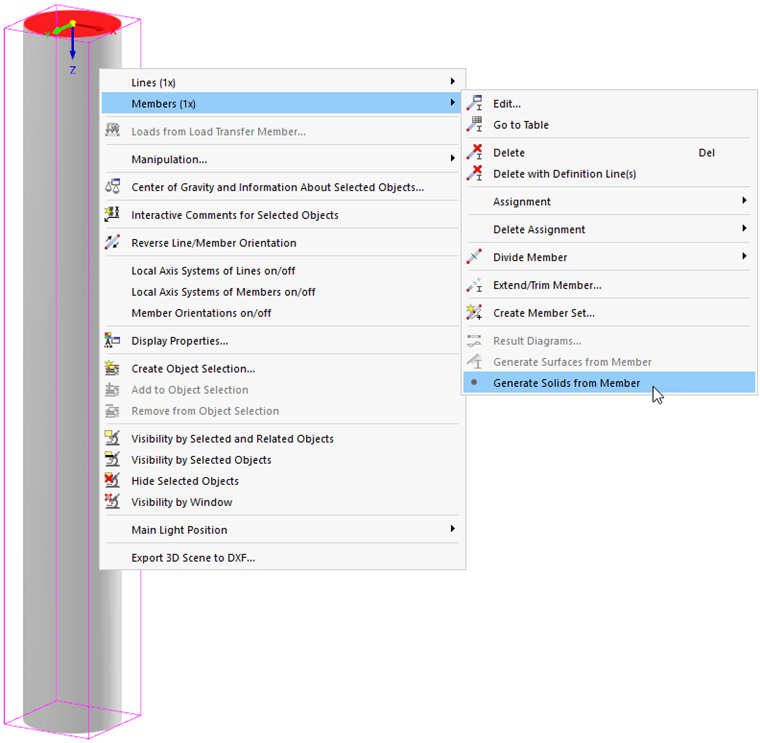
A solid is generated from the geometry of the cross-section and the member, whose surfaces have the “Without Thickness” [ [000040#stiffnes-type stiffness type]] are assigned. During the conversion, information about the “Member” structural object is lost.