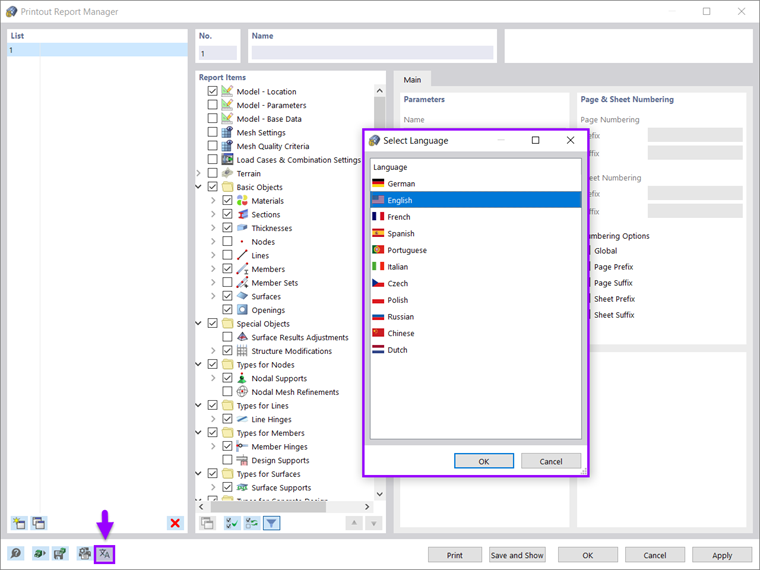
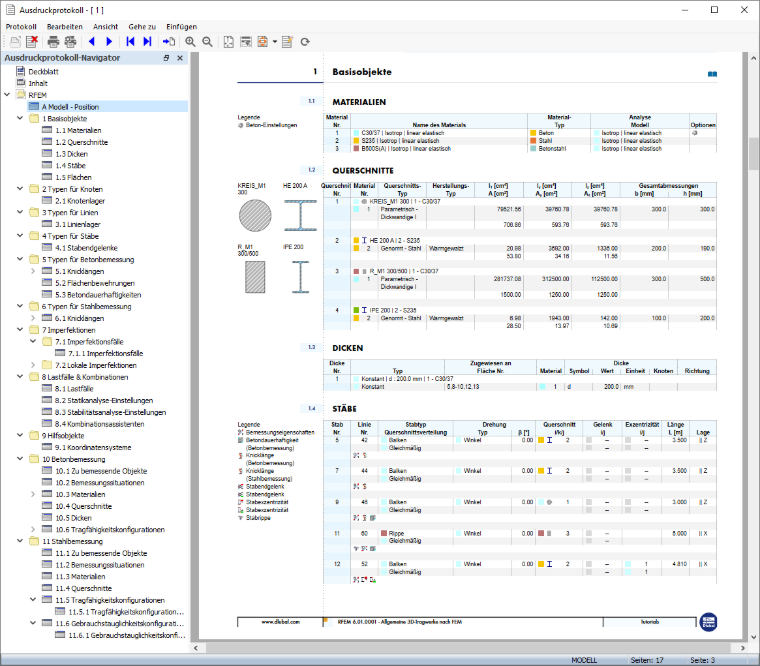
Before the input data and results can be sent to the printer, they must be prepared for output. This is done in the so-called printout report. In this print preview, you define the data that you need for the documentation. You can also integrate graphics, explanations, scans, and PDFs into the printout report.
With the release of version RFEM 6.16.0003, the program offers two types of printout reports:
- The Detailed printout report allows for user-defined documentation of the input data, calculation results, and design results in a structured overall document.
- The Short printout report summarizes the most important results for designed objects in a compact form.
For each model, printout reports with different contents are possible. This allows you, for example, to compile a different printout report for the test engineer than for the structural engineer.
The generated documents and designs serve as a calculation foundation and design aid; the complete check and release are the responsibility of the responsible structural engineer.
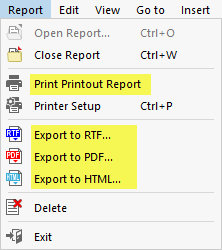
The Printout Report menu of the printout report contains various features with which you can print or export the document.