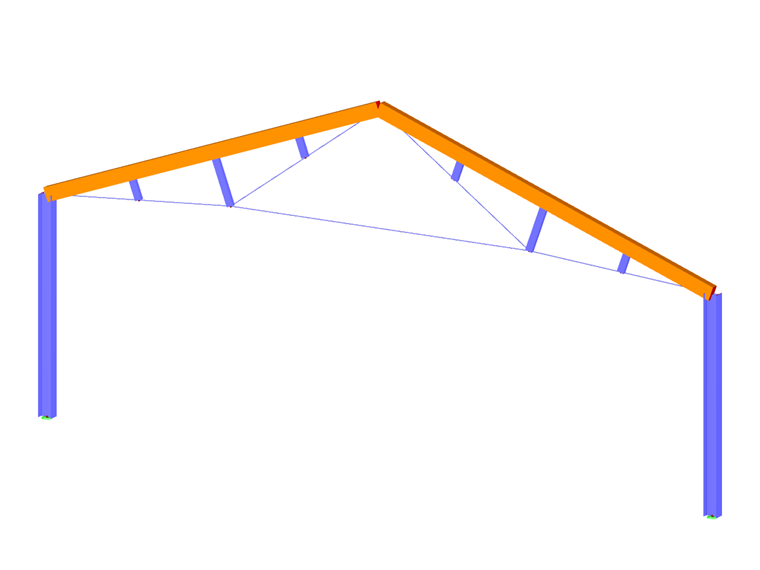
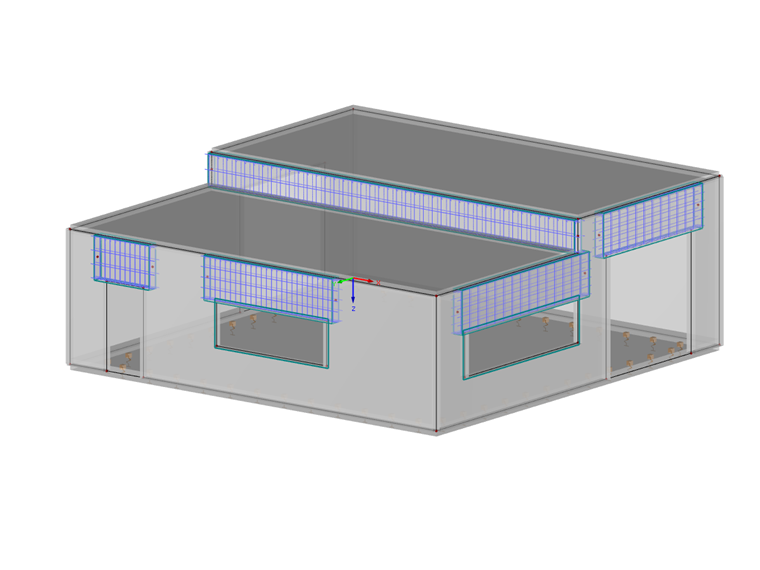
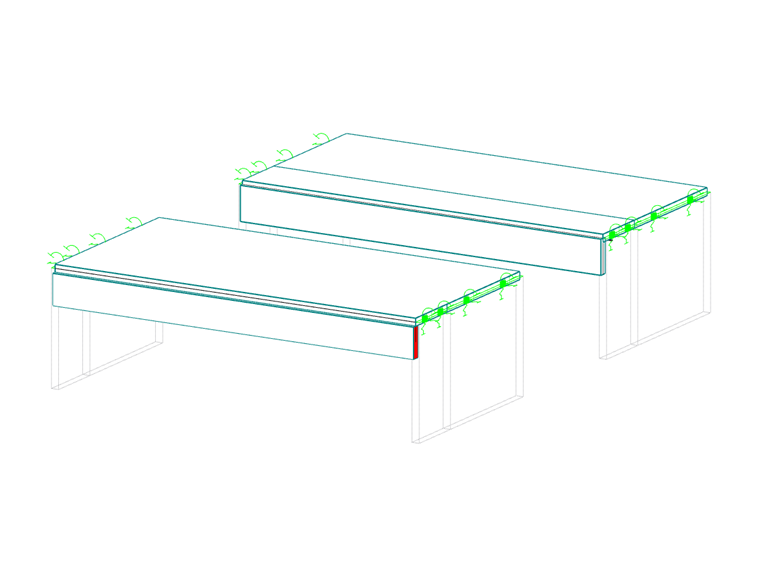
Members are properties of lines. By assigning a cross-section (which also defines a material), the member receives a stiffness. When generating the FE mesh, 1D elements are created on members.
Members can only be connected to each other at nodes. If members cross without sharing a node, there is no connection. No internal forces are transferred at such crossing points.
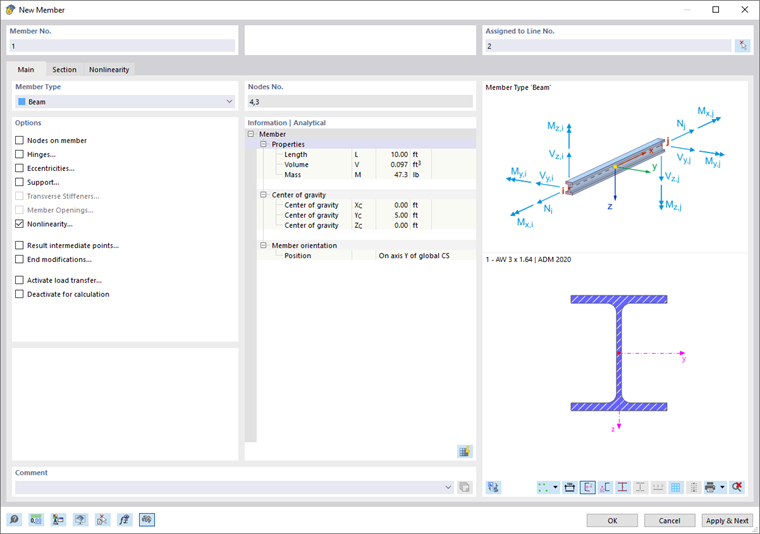
Graphically, members can be set individually or continuously. The corresponding functions are accessible via the list button.
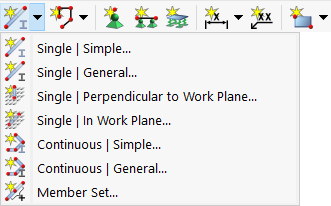
After entering the cross-section (see image New Member), a dialog appears that is designed as 'simple' or 'general' depending on the function. The general dialog offers extended options, for example, to define curved lines or to use member spacings for setting.
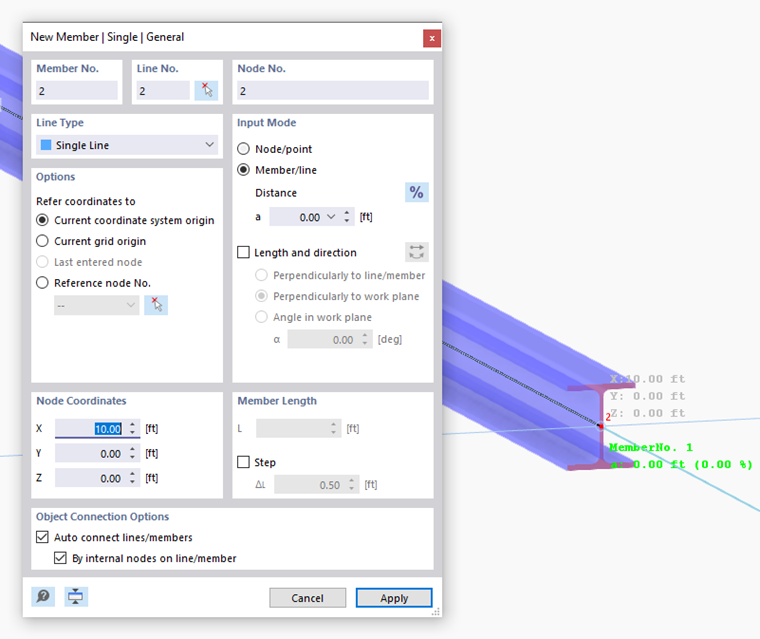
By default, the dialog New Member consists of the tabs Base and Cross-section. They are described in the following two subsections.
Properties of a Member
You can display important properties of a member in the Object Properties panel:
- Select the member.
- Activate the 'Object Properties' panel using the
 button in the toolbar.
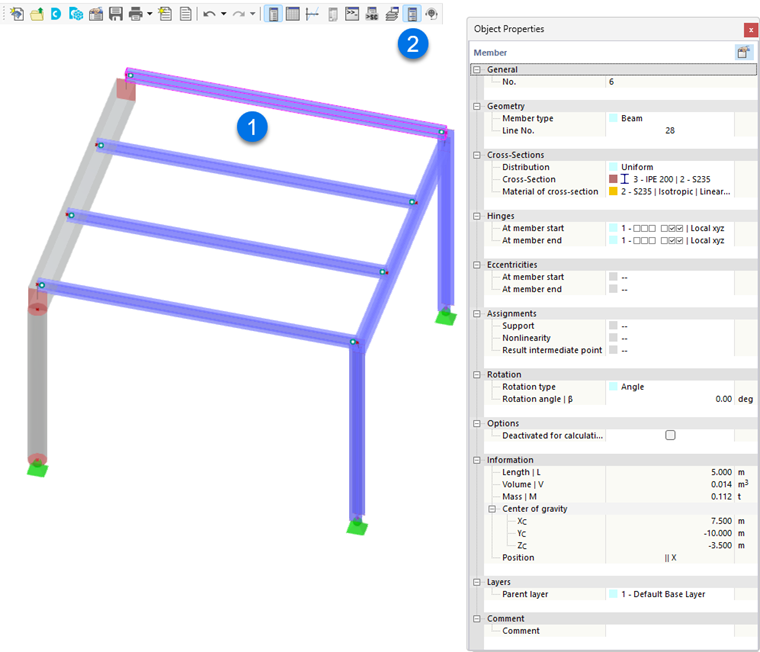
The panel displays information such as member type, cross-section, material, and geometric data.