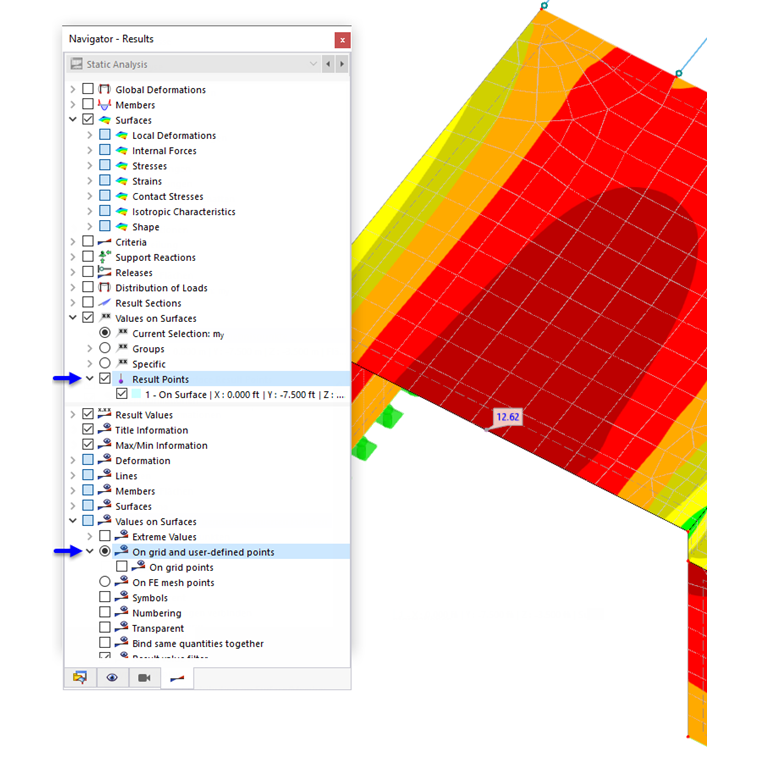
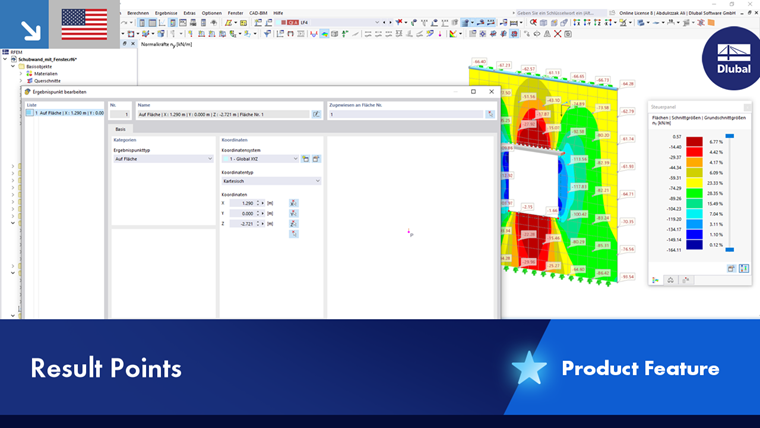
The surface and solid results are output at the grid points of the surfaces and at the FE mesh nodes (see chapter Result values on surfaces). If you need the values at specific locations, you can define any points for the result display and assign them to the corresponding surfaces or solids (in preparation).
Using the button
 in the toolbar, you can place result points directly on the model.
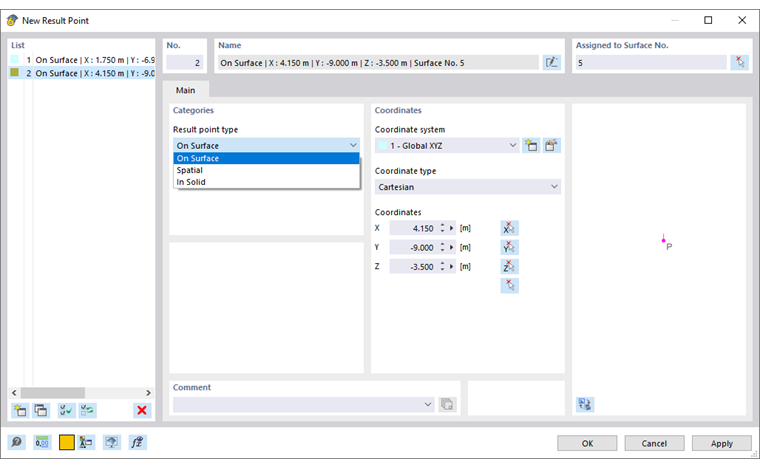
Categories
In the list, select the object for which you need the result point:
- On surface: for surface results
- Spatial: for results of a wind simulation with RWIND
- In solid: for solid results (in preparation)
Coordinates
Define the 'coordinate system' whose axes are to be used for the result points. You can select a user-defined coordinate system from the list or create a new one using the button
 .
Then specify the 'coordinates' of the result point. Using the button
 , you can also define the point graphically.
After the calculation, you can display the values in the user-defined result points using the corresponding options of the 'Navigator - Results'.